
Audio issues during presentations are frustrating. A pastor's voice fades in and out mid-sermon. A presenter walks across the stage and half the room loses them. A teacher moves around the classroom and students in the back can't hear.
Most of the time, the problem isn't the speakers or the mixer. It's microphone choice and placement. Lavalier microphones solve this problem. These small clip-on mics let people speak naturally and move freely without worrying about whether their voice is reaching everyone.
This guide explains what a lavalier mic is, how it works, and when it makes the most sense to use one. After installing these systems in churches, conference rooms, and training spaces for over 10 years, here's what actually matters.
What Is a Lavalier Microphone?
A lavalier microphone (also called a lapel mic or clip mic) is a small microphone that attaches to clothing. It typically sits on the chest around the sternum area. This placement keeps the voice consistent, even when someone turns their head or moves during a presentation.
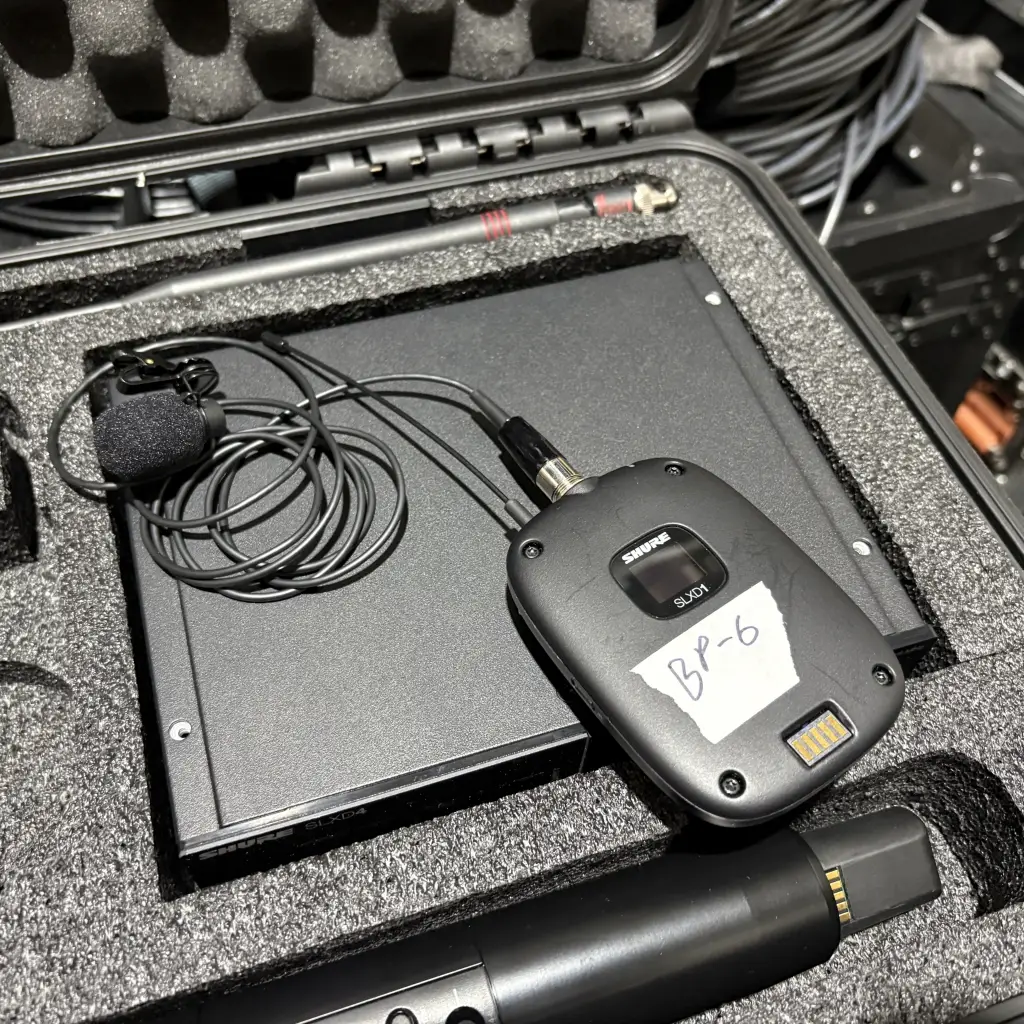
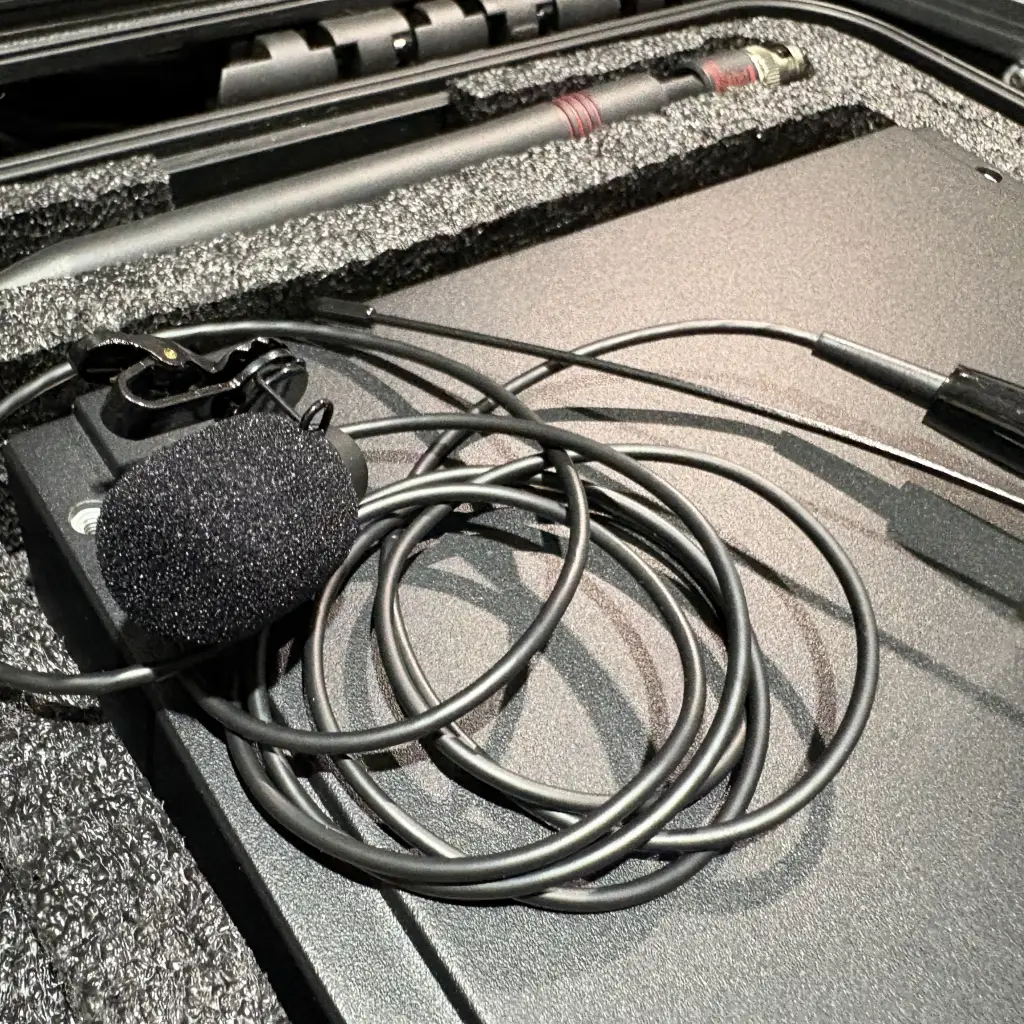
The mic itself is tiny—just a small capsule, a clip, and either a cable or wireless connection to a bodypack transmitter. People forget they're wearing them. You've seen these on pastors, teachers, business presenters, and anyone who needs to talk while keeping their hands free.
Lav mics are discreet on camera, which is why they show up constantly in video production and interviews. In meeting spaces and classrooms, they keep things simple because the presenter doesn't have to hold anything or stay tied to a podium.
How a Lavalier Mic Works
Most lav mics use a condenser element, which means they're sensitive enough to capture the details in someone's voice. That's why they sound more natural than basic handheld mics—they pick up the nuances that make speech clear and easy to follow.
These mics need a small amount of power to run. In wired setups, power comes from the device you plug into. In wireless setups, it comes from the bodypack transmitter. The goal is simple: keep the voice clean, present, and easy to hear.
Many lavs use an omnidirectional pickup pattern. This means the mic hears sound from all directions around the capsule, which helps keep the audio level stable even when a speaker turns their head or shifts their posture. Directional lavs exist too, but they require very precise placement. For most teaching and presentation environments, omnidirectional patterns are easier and more reliable.
Types of Lavalier Microphones
Wired Lavalier Mics
A wired lav plugs directly into a camera, recorder, or mixer. These are straightforward and dependable because there are no radio frequencies to manage. They work well for desk recordings, online training videos, or one-on-one interviews.
The limitation is movement. If the presenter walks around, the cable can get in the way or get pulled. For small rooms or stationary presenters, wired lavs are perfectly functional and often budget-friendly.
Wireless Lavalier Systems
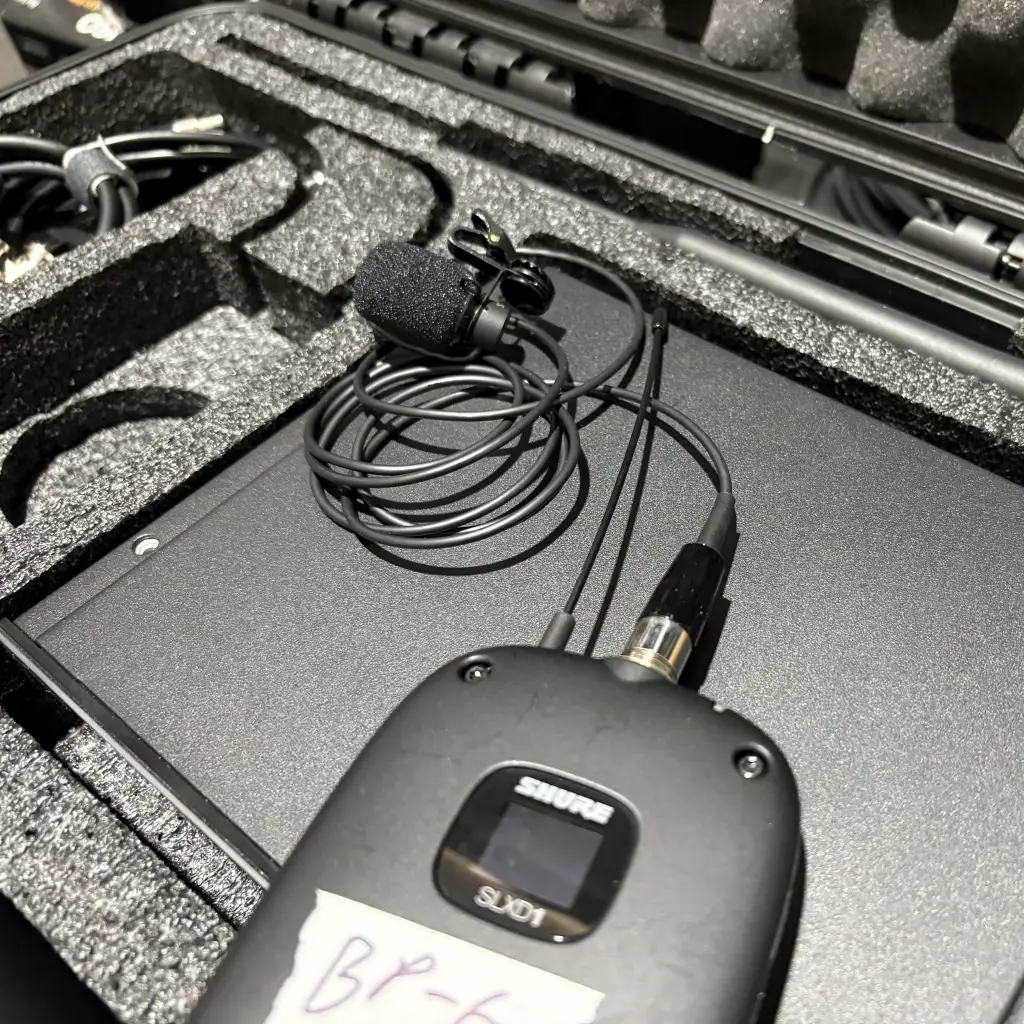
A wireless system has three parts: the lavalier microphone, a bodypack transmitter, and a receiver. The mic captures the voice, the bodypack sends that signal wirelessly, and the receiver feeds it into the mixer or sound system. This is what most churches, boardrooms, and training rooms use because presenters can move freely without cables.
Wireless systems require a bit more attention. Batteries need to be fresh. Interference can happen if frequencies overlap with other devices. Quality systems from manufacturers like Shure handle this well, but it's still something to plan for. When set up correctly, wireless lavs offer clean sound and complete freedom of movement.
Omni vs Cardioid Patterns
An omnidirectional lav is usually the best choice for everyday speaking. It keeps the tone steady and reduces the risk of audio dropping off when someone turns their head. A cardioid lav focuses more on sound from the front and reduces some background noise, but it needs very careful positioning. If the speaker turns away even slightly, the sound can become uneven.
For most business, worship, and education settings, the omni pattern offers more forgiving and consistent results.
When to Choose a Lav Mic Instead of Other Mics
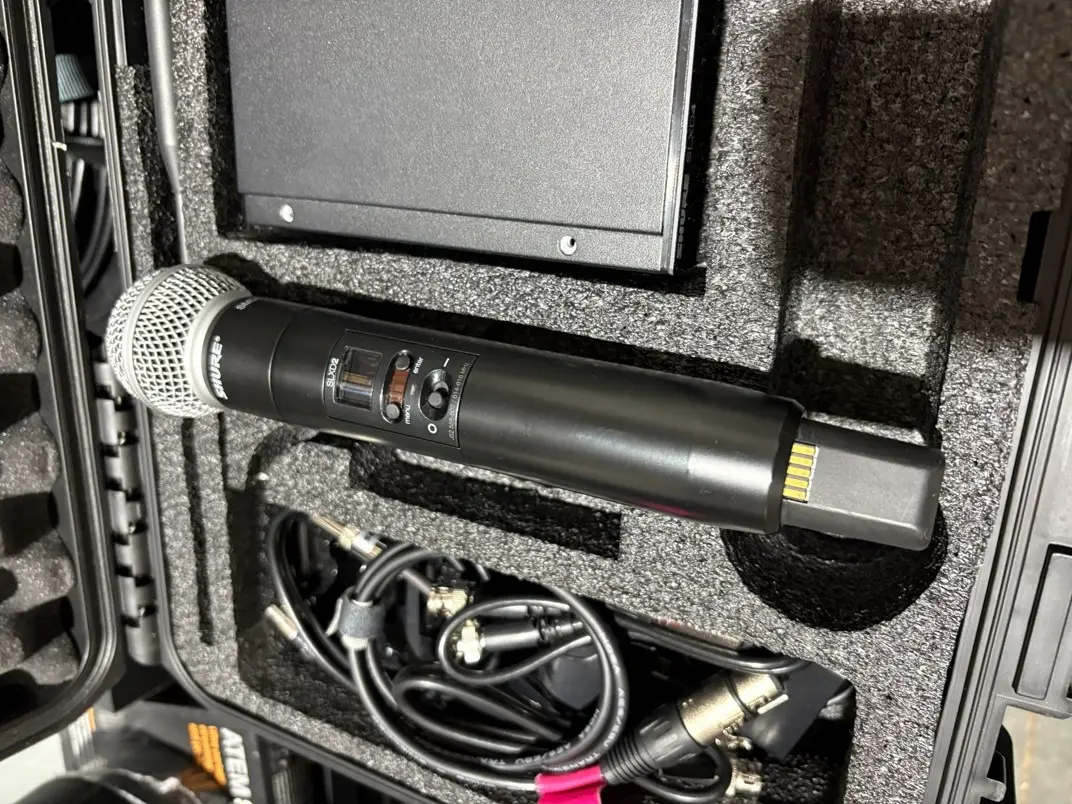
Different situations call for different microphone types. A handheld mic offers great control, but not everyone wants to hold something while presenting. A gooseneck works well at a podium, but limits movement. A boundary mic helps in conference rooms, but only when everyone stays seated. A headset mic provides strong gain before feedback, but it's more visible.
Lav mics solve these problems. They stay out of the way, keep the speaker mobile, and deliver reliable audio for most speaking environments. They work especially well in classrooms, churches, interviews, and training rooms where the main goal is letting the speaker talk naturally while keeping the sound clear.
How to Place and Wear a Lavalier Mic Correctly
Placement makes a bigger difference than most people realize. The goal is keeping the mic close enough for clarity without letting clothing rub against it. The general rule is to place it around the upper chest, near the center. This keeps the voice steady and reduces tonal changes.
Clothing matters. Softer fabrics are usually quiet. Stiff jackets, loose jewelry, or scarves can add unwanted noise. A small loop of slack in the cable helps prevent tugging sounds. Many people also use a foam windscreen to reduce breath noise and wind, especially outdoors or near air vents.
If the mic needs to stay hidden, it can go inside a shirt placket or behind a button. Small tape techniques can keep the capsule in place without rubbing. The main idea is letting the mic stay still while the person moves naturally.
Common Lavalier Mic Problems and How to Fix Them
A few issues show up regularly, and they're usually simple to solve.
Clothing rustle happens when the capsule touches fabric. Moving the mic slightly or securing the cable typically fixes it.
Weak signal can come from using the wrong connector or not supplying enough power to the mic.
Wireless drops can happen when the transmitter is blocked by the body or when frequencies are crowded. Adjusting placement or scanning for a cleaner channel usually helps.
Feedback can show up in rooms with multiple speakers or reflective surfaces. This is where proper gain structure and speaker placement matter. Well-tuned systems reduce this risk significantly.
The mic should be placed close enough to pick up the voice clearly without forcing the system to boost the level too high. Good signal-to-noise ratio matters.
For more detailed troubleshooting strategies across different microphone types and audio systems, see our complete guide to fixing microphone problems.
How to Choose the Right Lavalier Mic for Your Space
Choosing a lav mic depends on how the room gets used. A small conference space might only need one or two wired lavs for video calls. A church might need several wireless systems for pastors and worship leaders. A training room might need something durable that handles daily use.
Consider movement requirements, distance to the receiver, other wireless equipment in the area, and how often the equipment will be used. Some situations call for broadcast-quality sound because content will be recorded. Others only need reliable solutions for everyday speaking. Matching the mic to the space creates a better experience for everyone.
Making the Right Choice for Your Setup
Lav mics are simple, but they solve real problems. When placed correctly and paired with the right system, they deliver clear sound without getting in the way. They help speakers focus on their message instead of worrying about equipment.
If your space needs better audio or you want help choosing the right audio equipment for your setup, the team at RYGID AV can walk you through the options. We design and install systems that keep meetings, services, and presentations clear and consistent.
Need help with your audio setup? Contact RYGID AV for a consultation on choosing and installing the right microphone system for your space.
RYGID AV | 122 Backstretch Ln., Mooresville, NC 28117
(980) 263-9194 | info@rygidav.com
.webp)
Recommended articles
Explore our latest news & articles below


Where to Contact + Connect with RYGID AV
Mooresville, NC 28117