
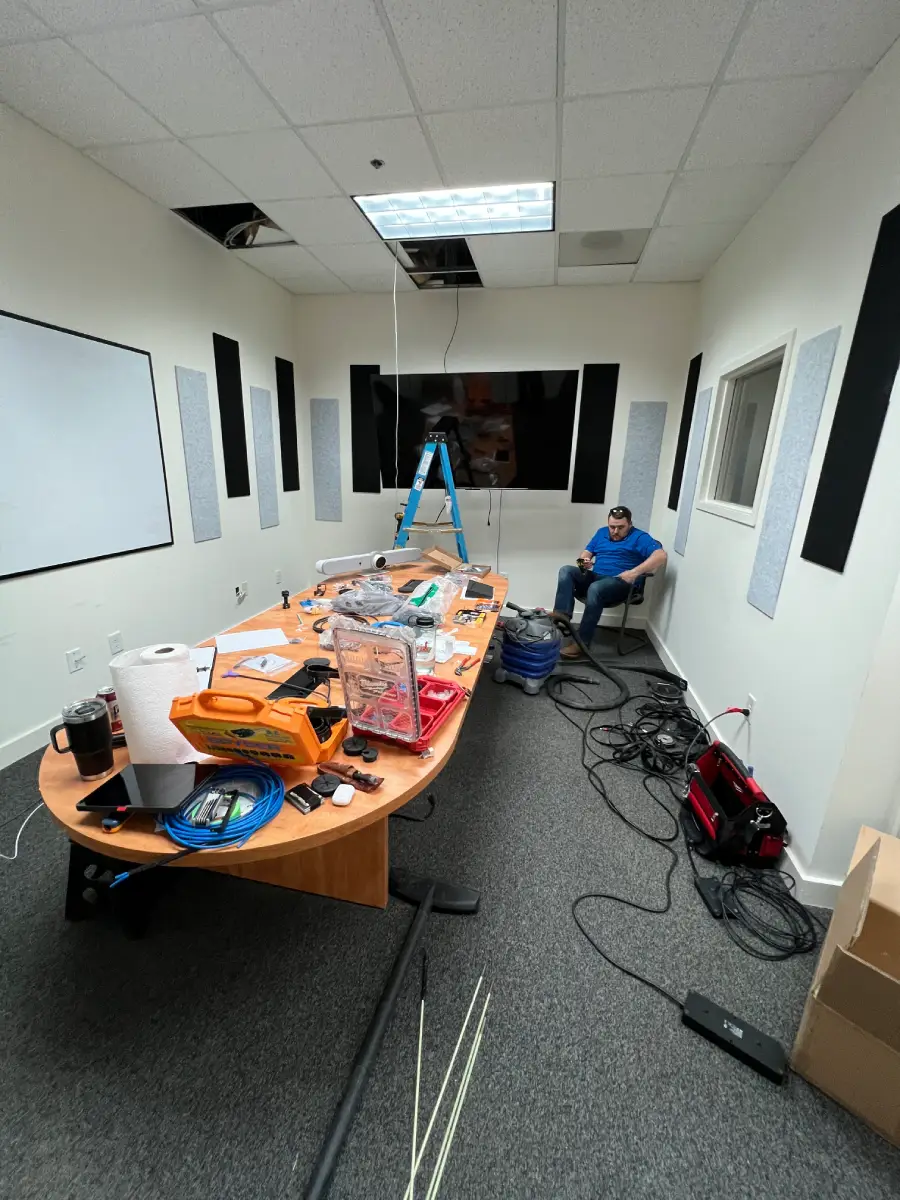
Most conference room problems get blamed on the technology people can see. The display doesn't respond. The call won't connect. The presenter can't get their laptop to show up on screen. But in a lot of cases, the real culprit is behind the wall, under the table, or buried inside a rack that nobody's touched since installation day.
Cable management isn't glamorous. It doesn't show up in marketing photos the way a sleek display or a polished touch panel does. But it's one of the factors that separates a conference room that works reliably over time from one that becomes a recurring headache for IT.
Whether you're planning a new space or working through issues in an existing one, getting cable infrastructure right from the start is worth the attention.
What Good Cable Management Actually Means
There's a tendency to think of cable management as hiding wires, making the room look clean for photos. That's part of it, but it's not the point.
The real goal is building a system that's organized, accessible, and ready to grow. A well-managed conference room should have minimal visible cabling, clearly separated power, data, and AV runs, user connection points that are easy to reach, and equipment that can be serviced without untangling anything. Serviceability is the one that tends to get underweighted. When something goes wrong mid-meeting, the difference between a 10-minute fix and a two-hour ordeal usually comes down to whether the infrastructure was planned or just accumulated.
The Solutions That Do the Work
Most spaces use a combination of approaches depending on layout, construction type, and how the room is actually used.
Cable trays mount beneath conference tables or along work surfaces and create a dedicated pathway for power and data lines. They keep cords off the floor without hiding them so completely that you can't access them when you need to.
Grommets are table openings that let cables pass through a clean, designated point instead of draping across the surface. For rooms where participants need to connect laptops or charging cables, a well-placed grommet is the difference between a professional setup and a rats' nest on the tabletop.
Floor boxes deliver power and connectivity directly up through the floor to the table, with no cables running across open space and no trip hazards. In new construction, these can often be incorporated during the design phase with minimal cost. In retrofit projects, they require more planning but are frequently worth it.
Raceways are enclosed channels that run cables along walls or ceilings. They're especially useful when in-wall routing isn't practical: older buildings, tenant spaces, or situations where tearing into finished walls isn't an option.
Equipment racks centralize AV components so cables can be organized, secured, and labeled properly. A boardroom with multiple displays, microphones, cameras, and a conferencing codec almost always benefits from a dedicated rack. It makes troubleshooting faster and upgrades significantly cleaner.
Cable labeling deserves its own mention because it's consistently undervalued. A labeled cable takes about 30 seconds to identify. An unlabeled one can take 30 minutes, especially when someone who didn't do the original install is tracing it under time pressure.
Where Cables Should Actually Go
Routing strategy depends on the room, but a few principles apply broadly.
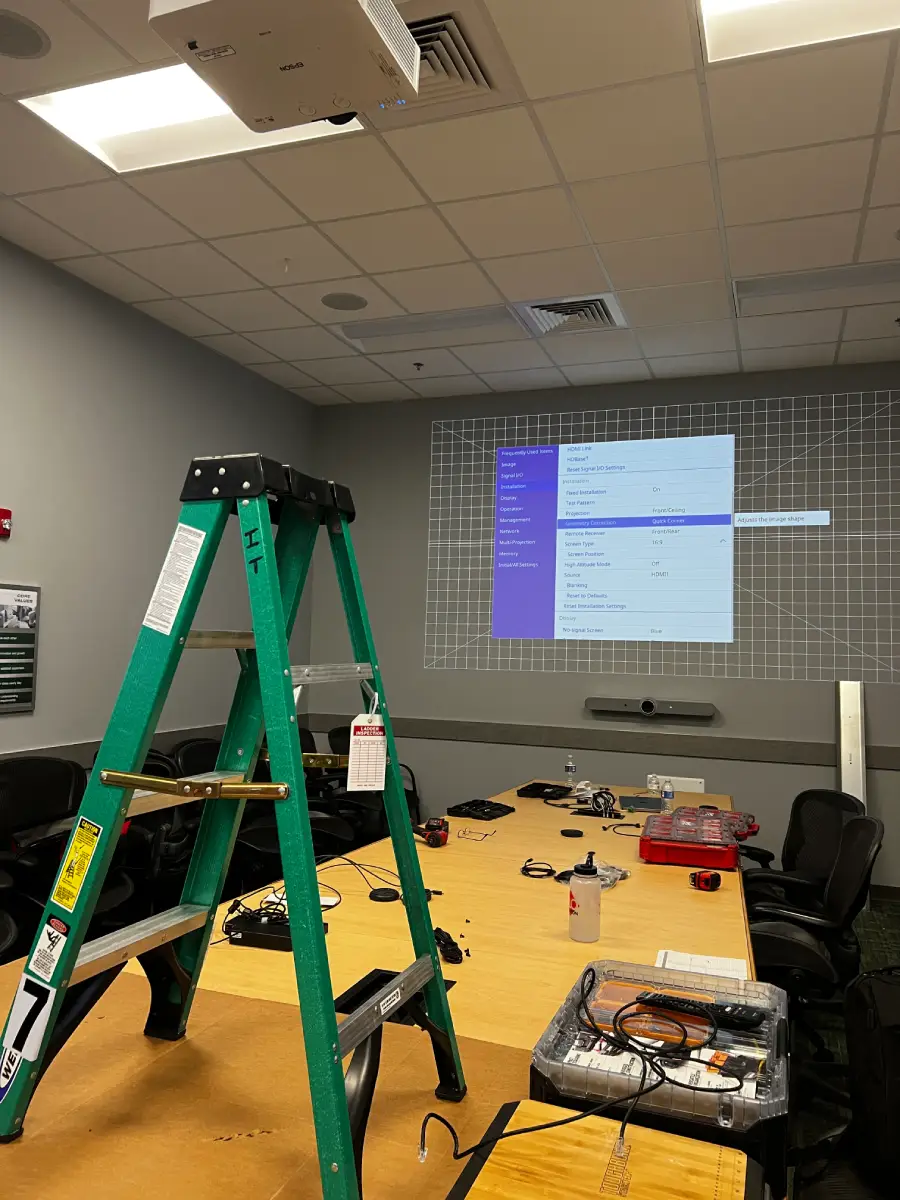
Under the table is usually the starting point for power, data, and shorter AV runs. Properly managed under-table infrastructure keeps cabling accessible while eliminating the visual clutter that makes conference rooms look disorganized. For anything mounted (displays, cameras, ceiling microphones), in-wall routing keeps the installation clean and protects cables from accidental damage. In larger rooms, floor pathways provide a reliable method for delivering power and data to tables without stretching cables across walking areas. And inside the rack, dedicated cable management panels and proper routing keep the equipment serviceable as the system evolves.
The routing plan should also account for the full picture of what's in the room. Conference room automation, including integrated lighting control, motorized shades, and room scheduling, adds control cabling and network runs that need to be planned for from the beginning. Trying to add them after the fact usually means visible raceways and workarounds that could have been avoided.
Different Rooms, Different Requirements
Not every space needs the same level of infrastructure planning, but every space needs some.
Smaller meeting rooms tend to be more forgiving. Fewer devices, shorter cable runs, simpler AV systems. Under-table trays, a few well-placed grommets, and a clean wall-mounted display can cover most of what these rooms need. Wireless presentation systems can reduce cable clutter further, though it's worth understanding the tradeoffs before committing to them.
Larger conference rooms and boardrooms require more planning by definition. More displays, more microphones, camera systems, full conferencing setups, and often more participants plugging in devices simultaneously. Floor boxes, in-wall routing, and centralized rack installations become standard practice rather than optional upgrades. The investment in infrastructure planning at this scale pays for itself the first time something needs to be serviced or upgraded without pulling the room apart.
Hybrid meeting spaces tend to be the most complex. Cameras, ceiling microphones, multiple speakers, room displays, and collaboration platforms all require connectivity that has to be thought through carefully. In rooms built for hybrid work, a poorly planned cable infrastructure becomes a constraint on everything else: the display choice, the AV system design, the control interface. Getting the infrastructure right before that equipment goes in protects the investment.
Where Things Go Wrong
Most cable management problems don't start as problems. They start as temporary solutions.
Equipment gets added to a room: a second display, a room camera, a wireless presentation system, and someone runs a cable to make it work right now. That becomes the permanent installation. Three more additions later, the room is full of cables with no clear organization, no labels, and no logical pathway. Troubleshooting takes longer. Upgrades get more complicated. The room that worked fine two years ago now has a reputation for being unreliable.
The other common issue is prioritizing aesthetics over access. A cable tucked completely out of sight is great until something fails. Every concealed run needs to stay reachable in some form, whether that's a pull point, an access panel, or a rack with organized terminations. The point isn't to hide infrastructure permanently; it's to organize it so it rarely needs to be touched, but can be when it does.
Planning for future growth is the piece most organizations skip. Conference room technology rarely stays static. Rooms that were designed only for today's equipment tend to require expensive modifications when new technology comes in. A little extra conduit, a few additional connection points, and a thoughtful AV integration plan up front can avoid a lot of that.
A Checklist Before You Start
Before upgrading an existing room or designing a new one, these questions are worth answering:
- Where does power enter the room, and is there enough capacity for what's planned?
- Where will participants connect laptops and other devices?
- Will any cables cross walking paths?
- Is AV equipment located somewhere it can be serviced without moving furniture?
- Is there physical room for future technology additions?
- Are power, network, and AV cables clearly separated and routed?
- Will cables be labeled consistently throughout?
Most of the cable management issues we encounter in existing rooms trace back to at least one of these questions not being addressed at the start of the project.
Frequently Asked Questions
How do you hide conference room cables? The most common solutions are under-table cable trays, floor boxes, in-wall routing, cable raceways, and integrated furniture connections. The right combination depends on the room layout, construction type, and the technology being installed.
Should all conference room cables be hidden? Not necessarily. The goal is organization and minimal visual clutter, not concealment at the expense of access. Equipment still needs to be reachable for maintenance, troubleshooting, and future upgrades.
What's the best way to organize AV cables in a conference room? Dedicated cable pathways, properly organized equipment racks, consistent labeling, and separation of power, data, and AV runs wherever practical. The specifics depend on the room, but those four elements show up in every well-managed installation.
Built Right From the Start
Cable management decisions made early in a project cost very little. The same decisions made after the fact, when walls are finished, furniture is in, and equipment is already installed, cost significantly more in time, money, and frustration.
If you're planning a conference room AV project and want to make sure the infrastructure is set up to support it long-term, that's the kind of conversation we have with clients before anything goes into a wall. Reach out and we'll talk through what your space actually needs.
RYGID AV | 122 Backstretch Ln., Mooresville, NC 28117 (980) 263-9194 | info@rygidav.com
.webp)
Recommended articles
Explore our latest news & articles below


Where to Contact + Connect with RYGID AV
Mooresville, NC 28117