
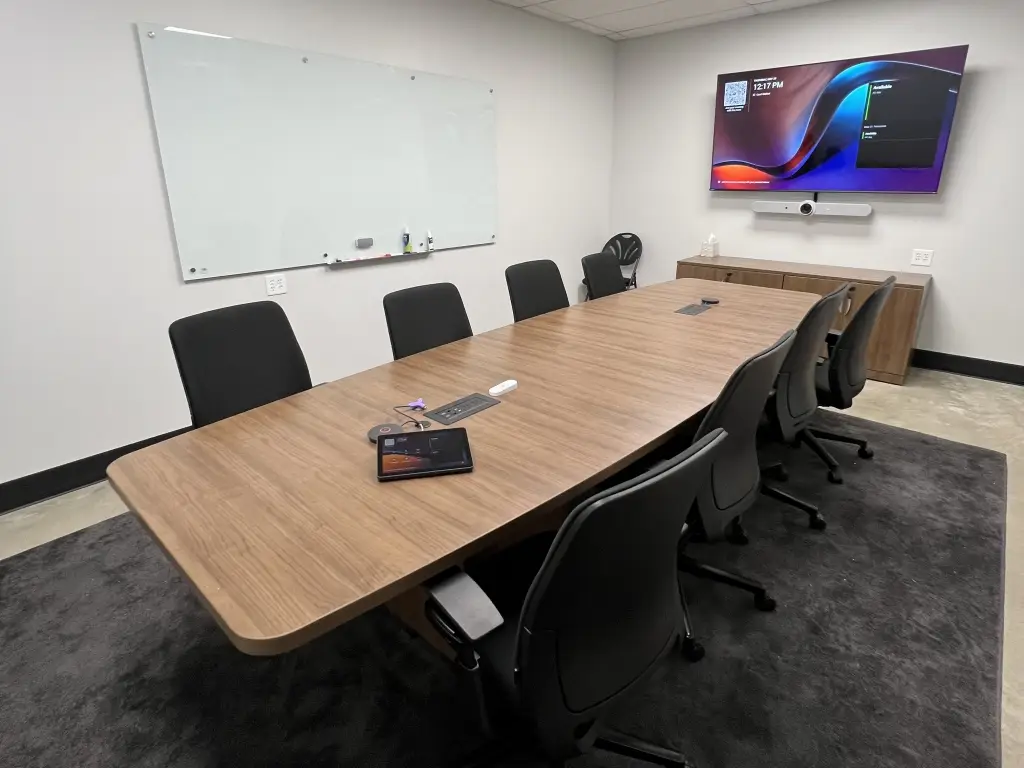
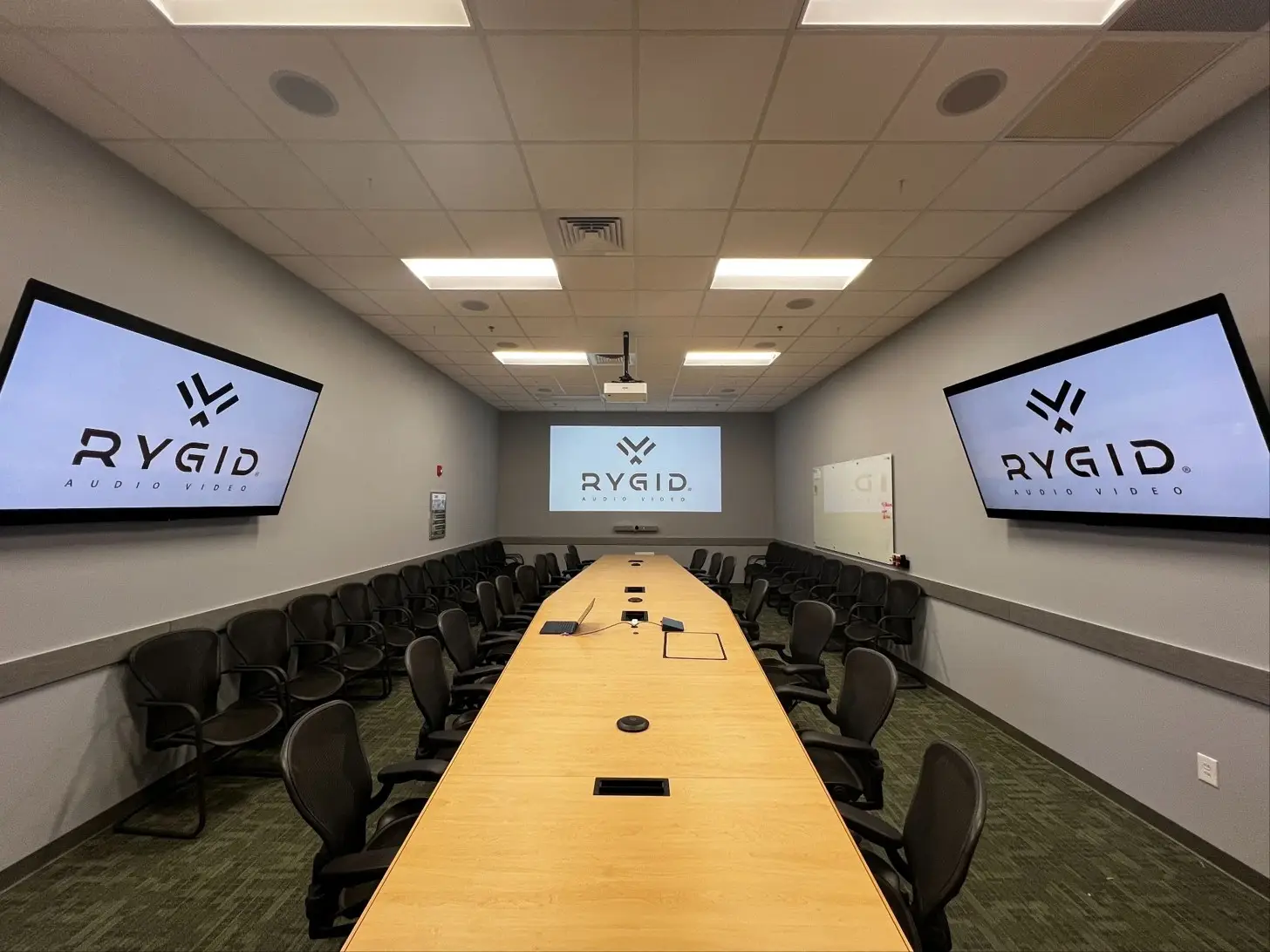
When businesses start planning a conference room upgrade, the conversation almost always starts in the same place. Better display. Cleaner audio. Reliable video conferencing. That makes sense — those are the pieces people interact with every day, and they're usually the reason the project got started.
What tends to get overlooked is the system tying all of it together.
A well-designed conference room can do a lot more than connect a laptop to a screen. The same touchpanel or iPad that launches a meeting can also adjust your lighting, lower motorized shades, and prepare the room for whatever kind of meeting you're about to run. Instead of juggling remotes, wall switches, and three separate apps, everything runs through one interface.
For businesses investing in professional conference room AV, thinking about that bigger picture can completely change how the space performs day to day.
Most People Think AV Control Means "Start the Meeting"
When I talk to clients early in the planning process, the assumption is usually pretty straightforward: better screen, better camera, better microphones. Maybe easier video conferencing. And honestly, for a lot of rooms, that already sounds like progress.
But that framing often limits what a space can actually do.
If the only goal is starting meetings faster, it's easy to miss the operational advantage of a properly integrated control system. Most users think of AV control as four things: turn on the display, launch the video call, connect the laptop, adjust volume. For a lot of rooms, a simple conference room setup that does exactly that is the right answer. That solves the immediate problem.
What a commercial control system can also do is prepare the room itself. That's where conference room automation stops being a convenience and starts being an operational tool.
What a Commercial Control System Can Actually Manage
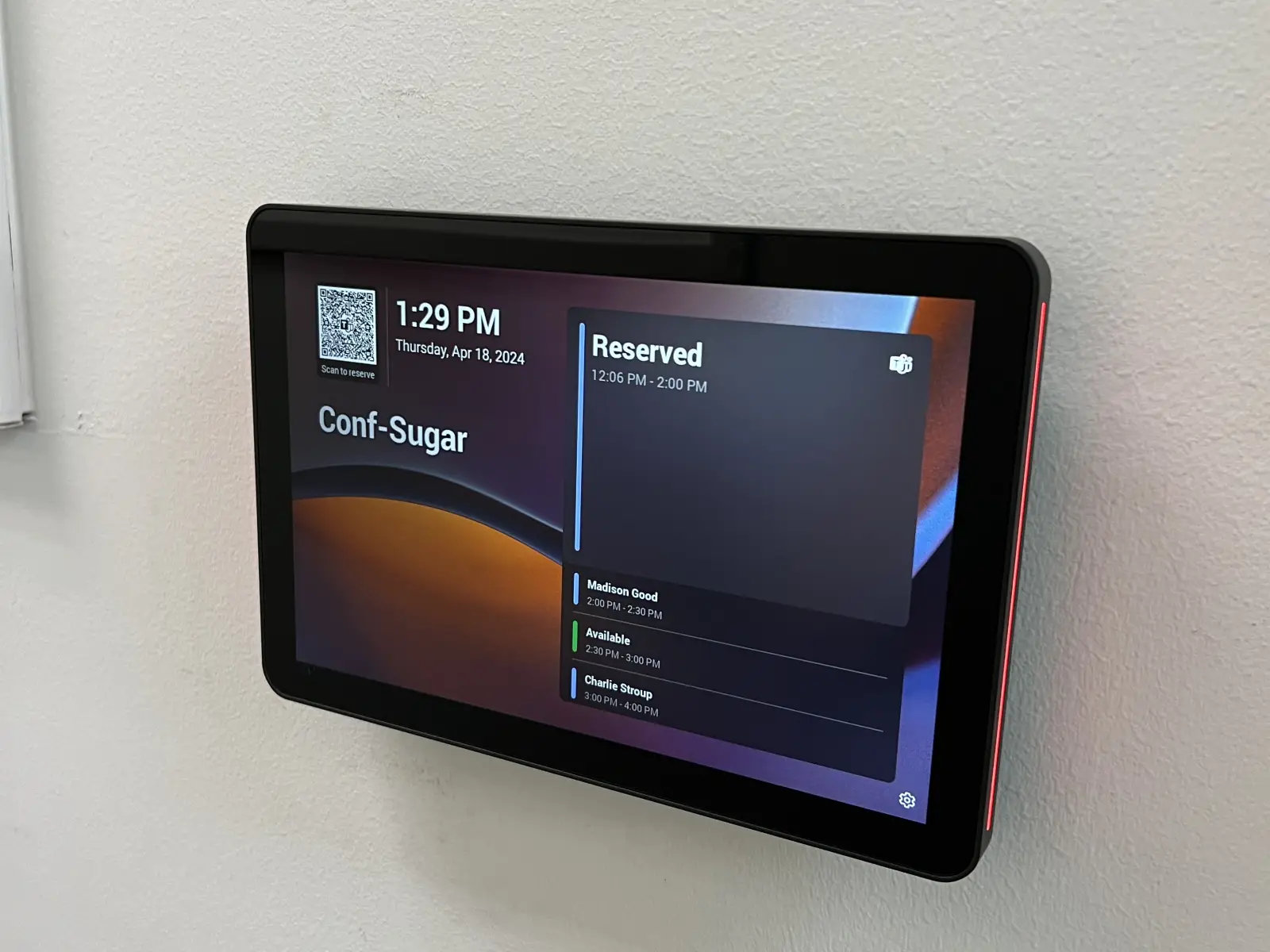
The touchpanel on the conference table, or the iPad mounted near the door, is usually underestimated. It's not just a controller for the display or a launcher for video calls. In a properly integrated room, it's the operational center for everything happening in that space.
Audio and video
- Display and projector power
- Input switching
- Speaker and microphone control
- Camera settings
Environmental controls
- Lighting scenes
- Motorized window shades
- Automated room modes
Workflow automation
- One-touch presets: Presentation Mode, Video Call Mode, Board Meeting, End Meeting
- Automated power-down sequences
One interface. Everything the room needs to do.
Why Integration Makes the Difference
One System, One Installer
A room can have excellent displays, quality conferencing hardware, and solid lighting — but if each system operates independently, the user experience still feels like a hassle. Multiple remotes. Separate apps. Someone stopping the meeting to adjust the blinds. Glare nobody noticed until the client was already on screen.
Unified AV integration replaces all of that with a single control point and a single user experience. Technology is supposed to reduce complexity, not add new layers of it. If you've dealt with any of those friction points before, they're worth reading about in more detail — conference room AV troubleshooting covers a lot of the patterns we see in rooms that were pieced together over time. For businesses making a real investment in conference room AV, the full-room approach tends to produce better long-term usability than any individual hardware upgrade would on its own.
Motorized Shades Are a Functional AV Decision
This is where client expectations usually shift. Motorized shades sound like a design feature at first — something nice, maybe optional, probably expensive. In practical conference room design, they're a direct factor in AV performance.
Sun glare makes even a premium display harder to read during a presentation. Natural light washes out projected visuals. Backlighting from uncovered windows distorts camera exposure during video calls and makes participants harder to see. Without automation, someone has to stop the meeting to fix it manually.
We had a client who'd invested in a quality display and solid conferencing hardware, but their room faced west. By mid-afternoon, glare made presentations nearly impossible to follow. Motorized shades tied into a Presentation Mode preset solved it completely. One button, room ready.
Shade control isn't a comfort feature. It's a functional part of the AV system.
Lighting Works the Same Way
A sales presentation may need dimmed front lighting to keep focus on the screen. A board meeting may need balanced room brightness. A video conference may need better lighting on faces so remote participants can actually read expressions. Without automation, working through those adjustments is a trial-and-error process that eats into meeting time.
With integrated lighting control, room scenes are preset, transitions are fast, and screen visibility and camera performance both improve. Lighting should support what the room is trying to accomplish — not compete with it.
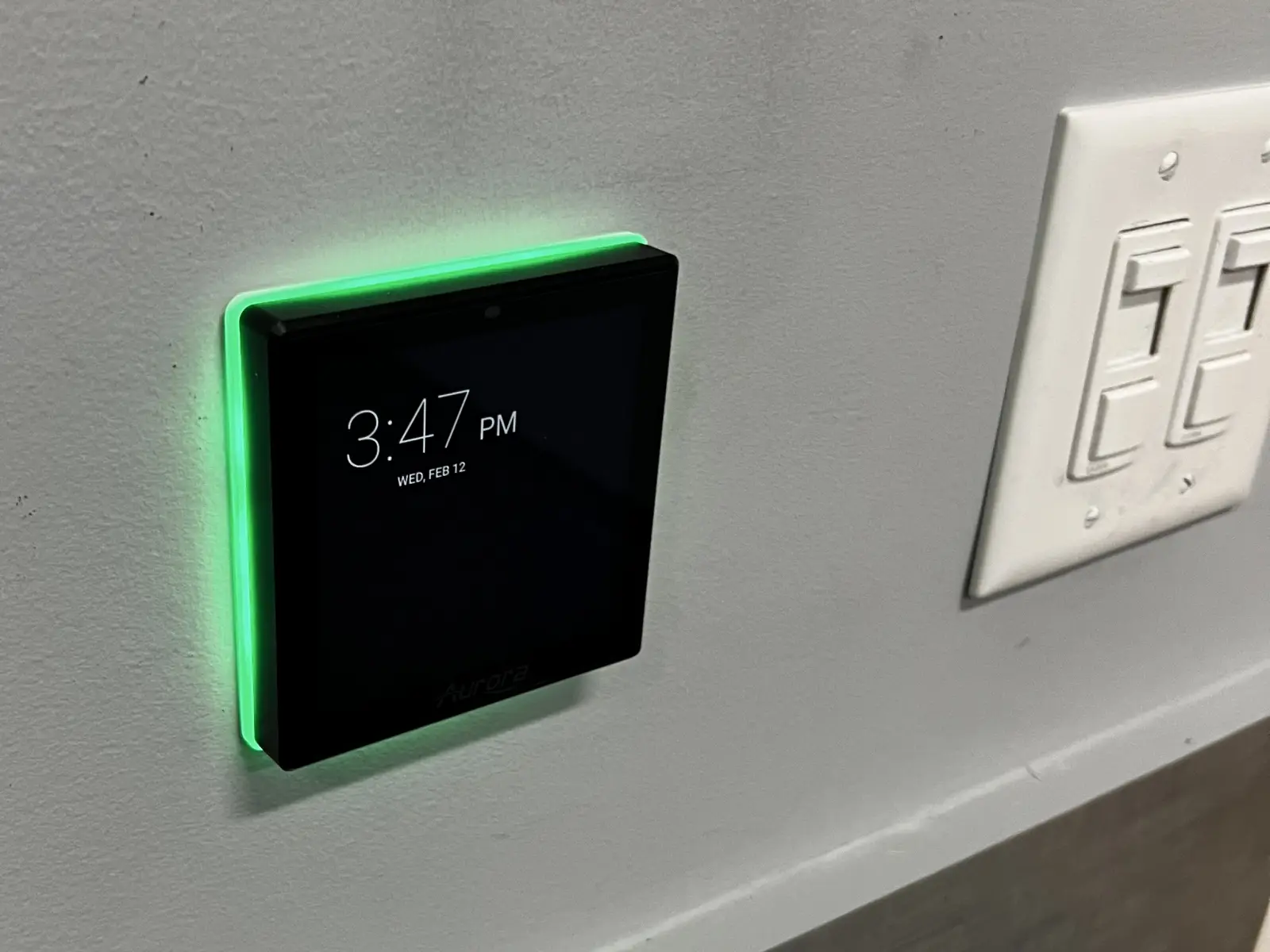
The Best Automation Feels Invisible
The most effective conference room setups don't feel flashy.
They feel easy.
A good system eliminates the small friction that adds up over time: finding remotes, adjusting blinds manually, walking to light switches, switching between apps, reconfiguring equipment before every meeting. What users get instead is four buttons: Start Meeting, Presentation Mode, Video Call Mode, End Meeting.
People stop thinking about the technology because it works.
Questions Worth Asking Before Your Next Upgrade
Before finalizing a new system, it's worth looking beyond the obvious hardware decisions:
- Does glare affect screen visibility at certain times of day?
- Are employees juggling too many controls?
- Do different meeting types need different room configurations?
- Could automated shades or integrated lighting solve recurring frustrations?
- Is the room being designed as one cohesive system, or as several independent parts that happen to share a space?
Those answers usually reveal where automation creates the most immediate daily value.
Final Thoughts
Conference room automation covers more ground than most decision-makers initially expect. It's not just about launching calls or controlling a display. It's about building a room where audio, video, lighting, and environmental controls work together through one simple interface.
That bigger picture tends to produce smoother meetings, fewer interruptions, and better return on the investment already being made.
At RYGID AV, we help businesses approach conference room design with the whole room in mind. If you're planning a conference room upgrade and want to talk through what a fully integrated setup could look like for your space, we'd love to be part of that conversation.
RYGID AV | 122 Backstretch Ln., Mooresville, NC 28117 (980) 263-9194 | info@rygidav.com
.webp)
Recommended articles
Explore our latest news & articles below


Where to Contact + Connect with RYGID AV
Mooresville, NC 28117
Mooresville, NC 28117