
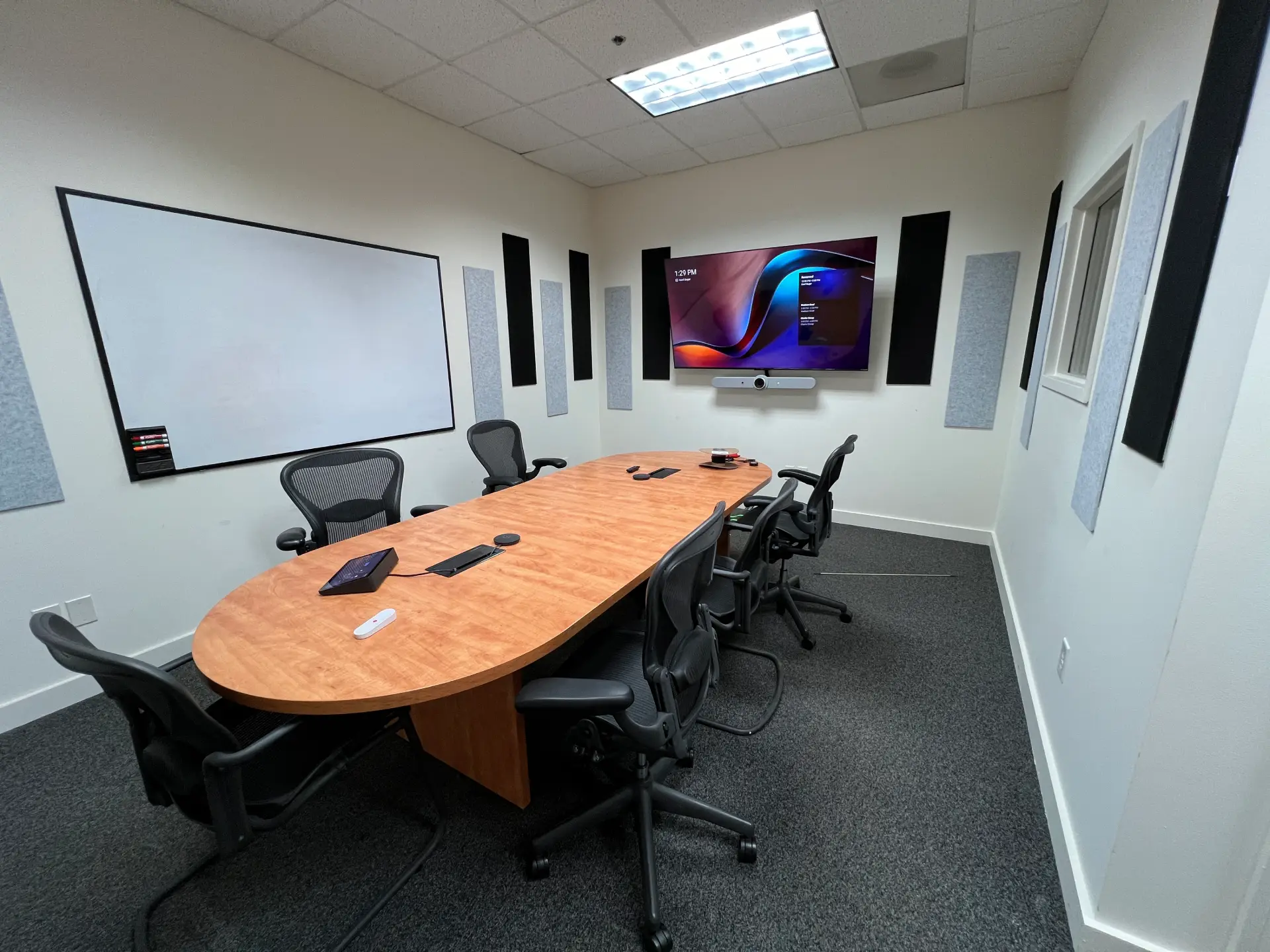
Most conference room problems aren't equipment problems. They're planning problems. Someone bought a screen, mounted a camera, and assumed the room would handle the rest. Then the audio echoes, the camera angle makes everyone look like they're being interrogated, and half the meeting gets spent troubleshooting screen sharing.
A simple conference room setup isn't about using less technology. It's about making choices that fit the room so everything works the way people expect. This guide walks through how to approach that, starting with layout and ending with the AV equipment that actually belongs there.
Start With How the Room Gets Used
Before choosing any equipment, it helps to understand what the room actually needs to do.
A room used primarily for daily video calls has different requirements than one used for internal training or hybrid presentations. A setup that works great for one purpose can feel clumsy for another.
A few questions worth answering first: How many people typically sit in the room? Are meetings mostly in-person, remote, or hybrid? Does the room need to support presentations, or is it primarily for conversation? Which video conferencing platforms does the team use regularly?
Clear answers here make the rest of the decisions much easier. If you want more guidance before you buy, these five factors for choosing conference room AV solutions are worth reviewing first.
Room Layout Comes First for a Reason
Layout controls how well everything else works. It affects sightlines, audio quality, and how comfortable people feel in long meetings.
Seating and Table Style
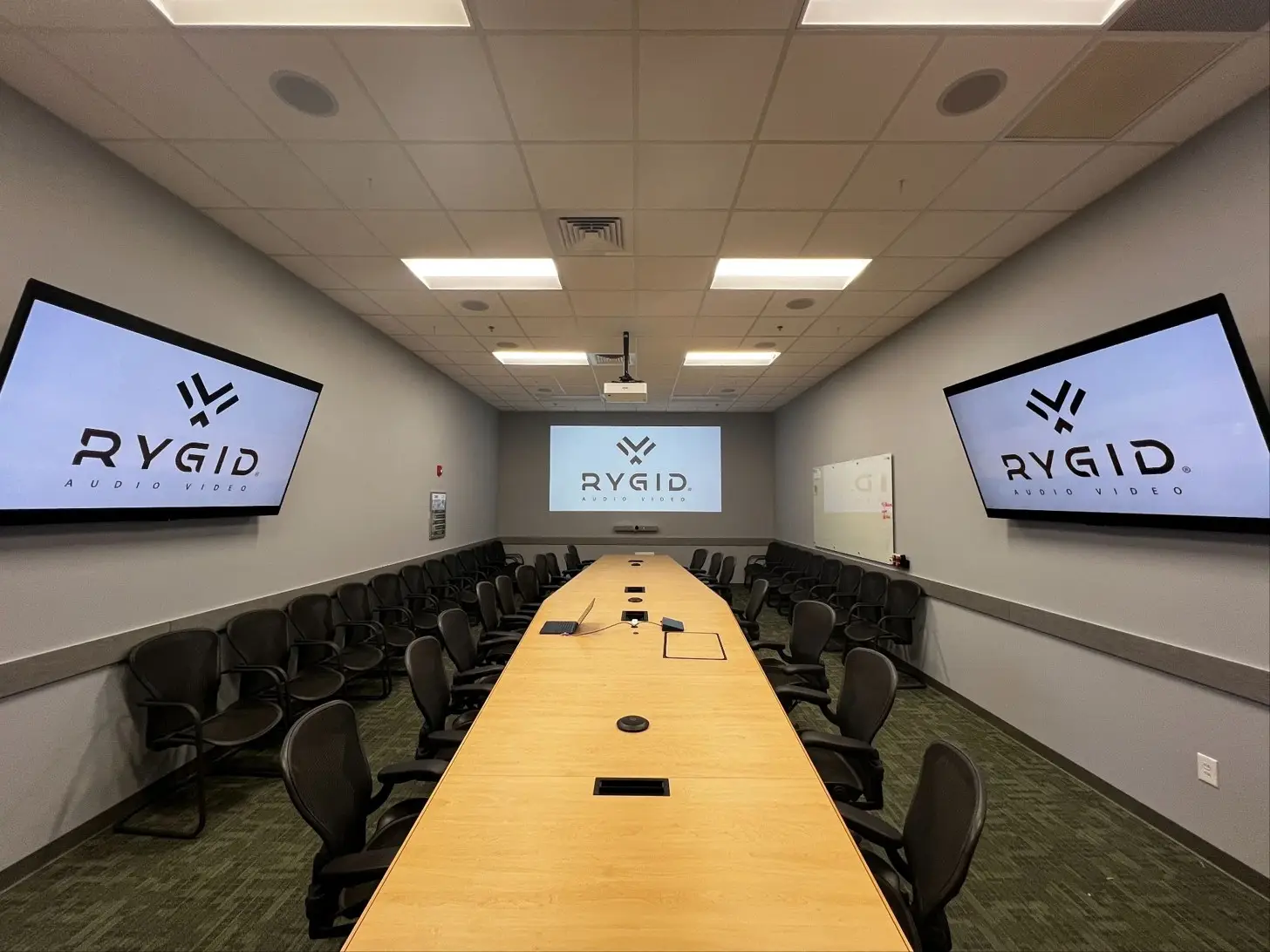
Most conference rooms use a boardroom-style layout, and it works well for a reason. Everyone faces the same direction, which simplifies both camera framing and screen visibility. In smaller rooms, keep the table compact. Long tables in tight spaces push people too far from microphones and cameras.
Sightlines and Screen Placement
Every seat in the room should have a clear view of the display without leaning forward or turning sideways. Mount screens at a height that feels natural when seated, and watch for glare from windows or overhead lighting. Both are easy to overlook during planning and frustrating every day after.
What the Camera Sees
The camera doesn't just capture faces. It captures everything behind them. Busy hallways, glass walls, or foot traffic in the background can distract remote participants even when the meeting itself is going well. A clean wall and controlled lighting behind the primary seating position will do more for video quality than most people expect.
Video Setup That Feels Natural on Calls
Display Size
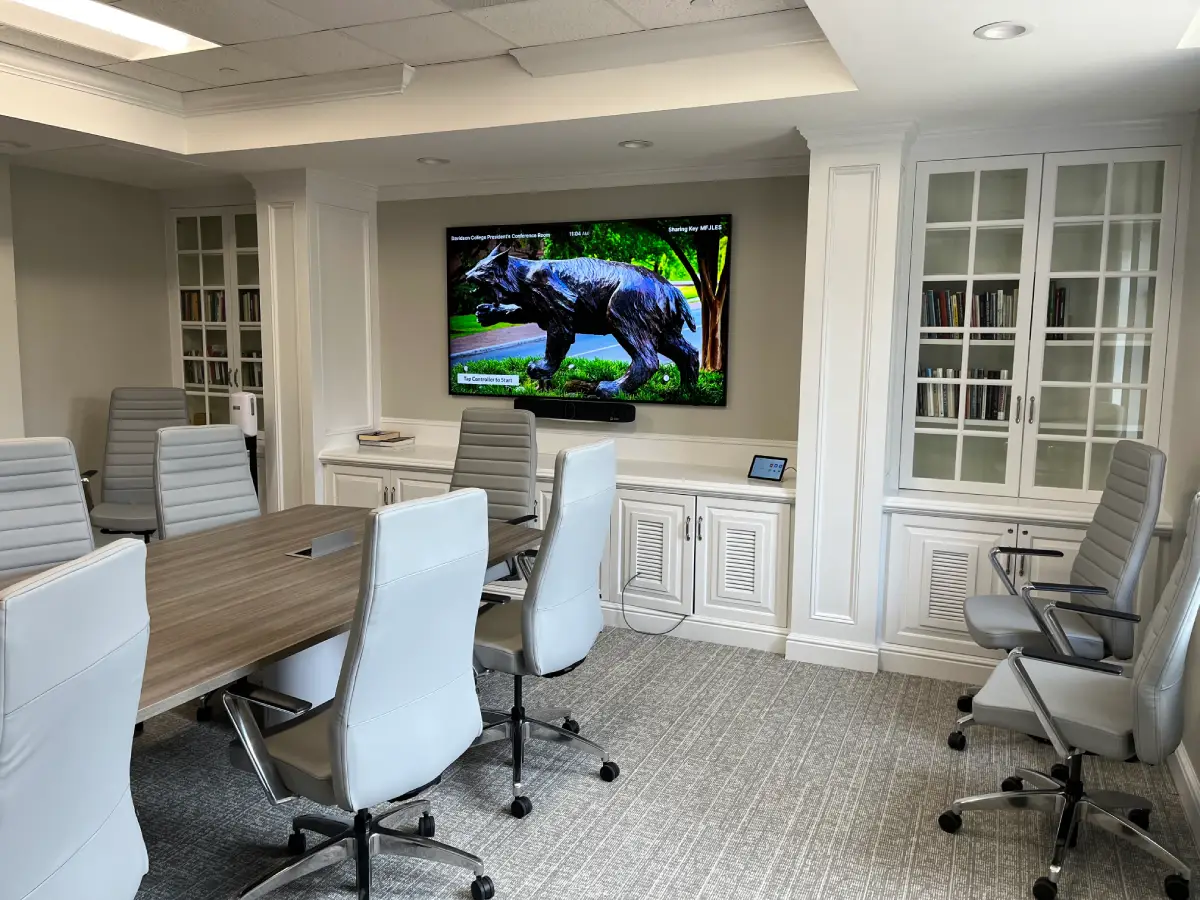
Screen size should match the room. Too small and shared content becomes hard to read from the far end of the table. Too large and it starts to feel like everyone's sitting in a movie theater. Some rooms benefit from two displays, one for the video call and one for screen sharing, but in smaller rooms a single display usually handles both just fine.
Camera Placement
Cameras should sit as close to eye level as possible. High-mounted cameras tend to create awkward downward angles that make remote participants feel like they're on the wrong end of a job interview. In rooms that host different types of meetings, camera presets save time and keep things moving. One for group discussions, one for presentations.
Audio Is What People Actually Remember
Video quality gets noticed. Audio quality gets felt. A slightly soft picture is tolerable. Voices that cut out, echo, or sound hollow will derail a meeting faster than almost anything else.
Microphone Placement
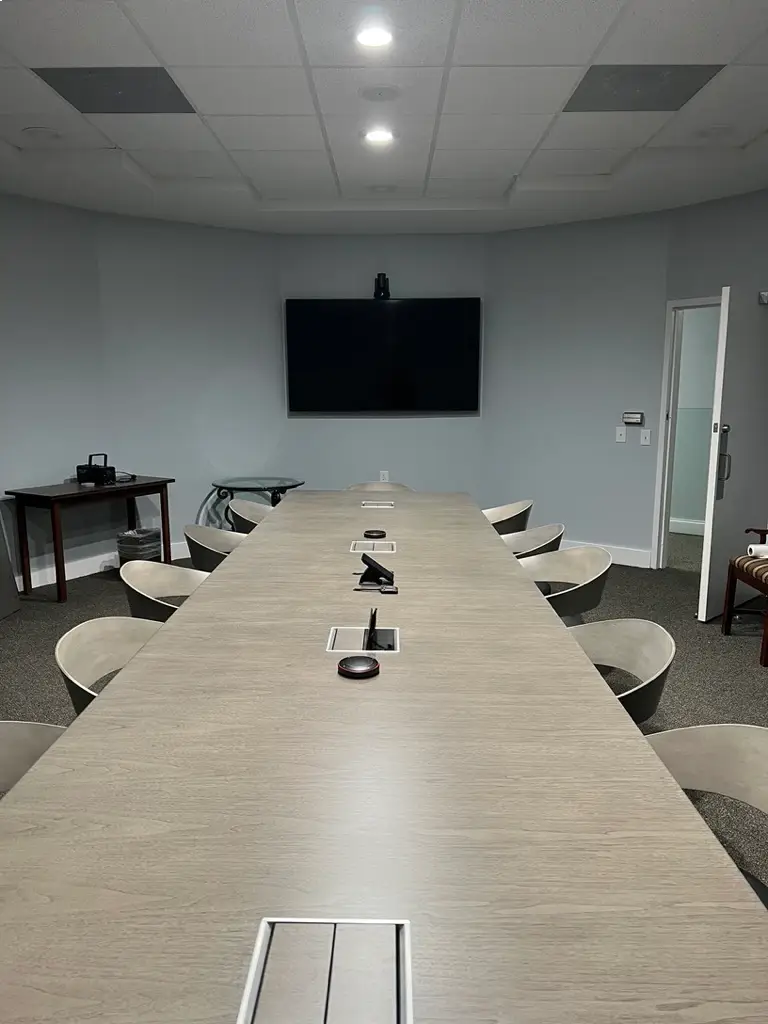
Microphones need to be where people actually speak. Table microphones work well in boardroom-style rooms. Ceiling microphones work in spaces where a clean table is a priority. Either way, keep mics away from HVAC vents, projectors, and anything else generating ambient noise.
Speaker Placement and Echo
Speakers should distribute sound evenly so the person at the far end hears as clearly as the person closest to the screen. Echo happens when microphones pick up sound coming back from the speakers. Good systems handle this automatically, but thoughtful placement reduces the problem before it starts.
The Room Itself
Hard surfaces like glass, concrete, and bare walls reflect sound in ways that make voices feel sharp or hollow. This is one of the most overlooked variables in conference room audio. Even modest acoustic treatment like wall panels or soft furnishings can make a noticeable difference in clarity.
Control, Screen Sharing, and Daily Use
A simple setup should let meetings start on time, and that requires intuitive controls.
One panel or one interface to start a call, adjust volume, and switch inputs. When controls are consistent across rooms, people stop asking for help and start meetings faster.
Screen sharing should work reliably whether users are on Teams, Google Meet, or another platform, and guests should be able to connect without a five-minute troubleshooting session. Wireless sharing tools reduce cable clutter but depend on solid network bandwidth to work consistently.
Infrastructure That Keeps Everything Stable
Network
Dropped calls and frozen screens are usually network problems, not AV problems. Whenever possible, conference room systems should use a wired connection rather than relying on Wi-Fi, especially in buildings where wireless traffic gets congested during busy hours.
Power and Cable Management
Plan power access for where people actually sit. Laptops, tablets, and phones all need charging, and running extension cords across the floor is neither clean nor safe. Good cable management also makes troubleshooting easier when something eventually needs attention. Surge protection is worth including for any equipment rack, since power issues are a common and often invisible source of equipment failure.
Lighting
Lighting often gets treated as an afterthought in conference room planning, but the camera doesn't lie. Harsh overhead lighting washes out faces. A window behind the primary seating position creates a silhouette. Simple adjustments, or smart lighting controls for rooms that serve multiple purposes, can meaningfully improve how the room looks on video.
Final Checks Before the Room Goes Live
Before calling the setup finished, run a real meeting in the room. Sit in different seats. Speak at a normal volume. Share content. Join a call from outside the room and actually listen.
Check camera framing from every seat. Test any presets. Make sure the control panel responds the way it should. These small checks catch problems early rather than leaving them for someone to discover mid-presentation.
Bringing It All Together
A good conference room setup matches the layout, audio, and video to how the room actually gets used. Get the basics right and the technology stops being something people think about. That's the point: a room where people focus on the meeting, not the gear.
If you're setting up a conference room and want to get it right the first time, RYGID AV works with businesses across the Carolinas to design meeting spaces that are straightforward to use and built to hold up. Reach out for a consultation and we'll help you figure out what your space actually needs.
.webp)
Recommended articles
Explore our latest news & articles below


Where to Contact + Connect with RYGID AV
Mooresville, NC 28117
Mooresville, NC 28117