
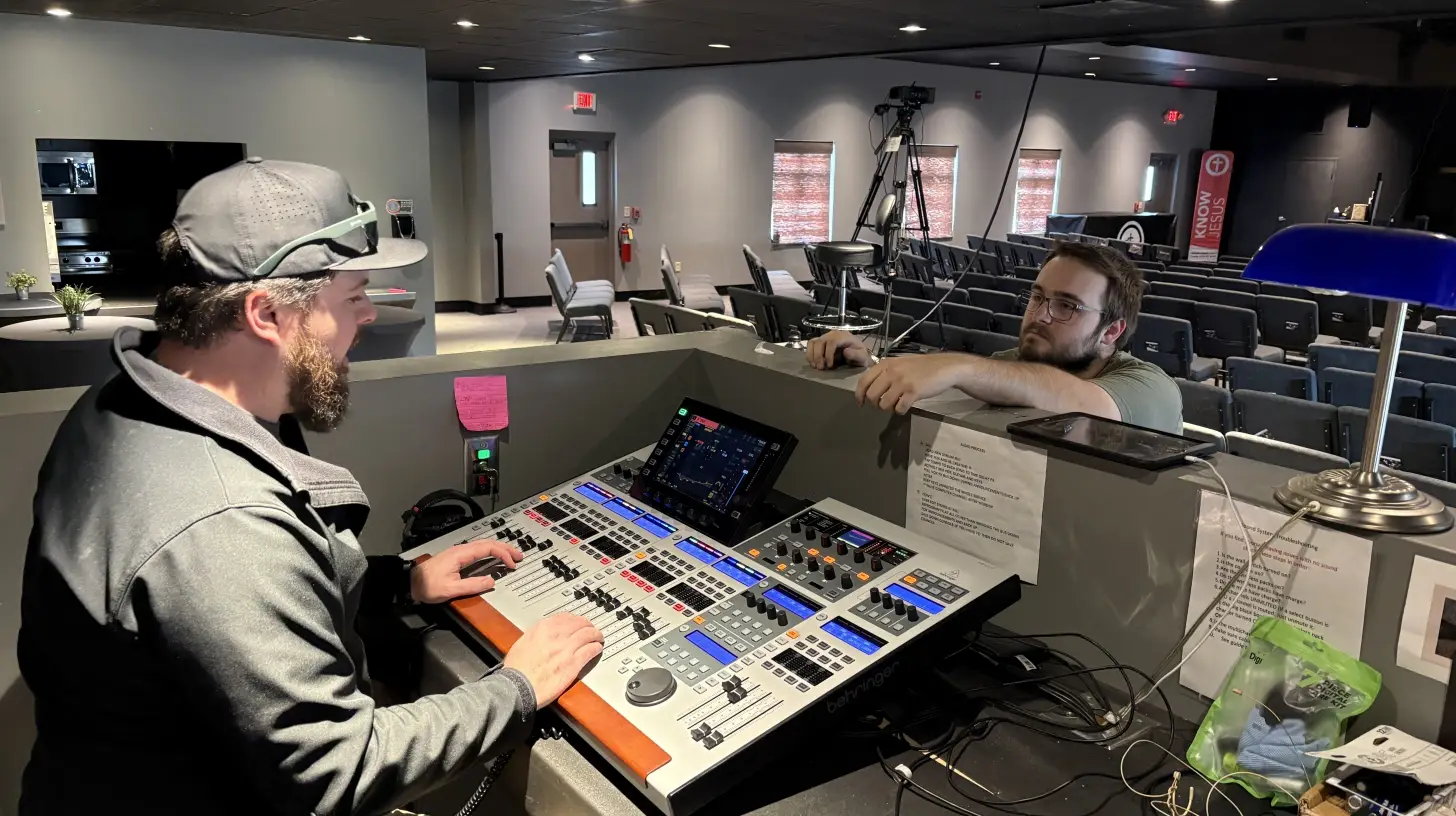
Most buildings are air conditioned, so it's not obvious why summer would affect AV equipment any differently than February. But temperature isn't the main issue. It's what happens around the edges.
Equipment closets, rack rooms, and AV booths are often secondary spaces with limited airflow coverage. They may sit in a building that's 72 degrees and still run significantly warmer than the rooms people actually occupy. On top of that, many buildings reduce or cut HVAC overnight and on weekends. Equipment that stays powered, or a room that heats up during the day and slowly recovers, goes through repeated thermal cycling that stresses components and connections over time.
Then there's power. Summer means air conditioning systems running harder and longer, which affects electrical demand and can contribute to power-quality issues in some buildings.
None of this is dramatic. It's incremental, which is exactly why it tends to surface at the worst possible moment rather than showing up as an obvious failure.
One thing worth recognizing: summer doesn't affect every facility the same way. Some spaces, like churches running VBS, summer weddings, and community events, are actually busier than ever. Others, like corporate offices, slow down significantly but face a different risk: equipment sitting in a poorly-cooled space all week, then getting powered up hard for a big meeting with no warm-up and no pre-check. Both situations create real problems. They just require slightly different thinking.
Airflow and Cooling
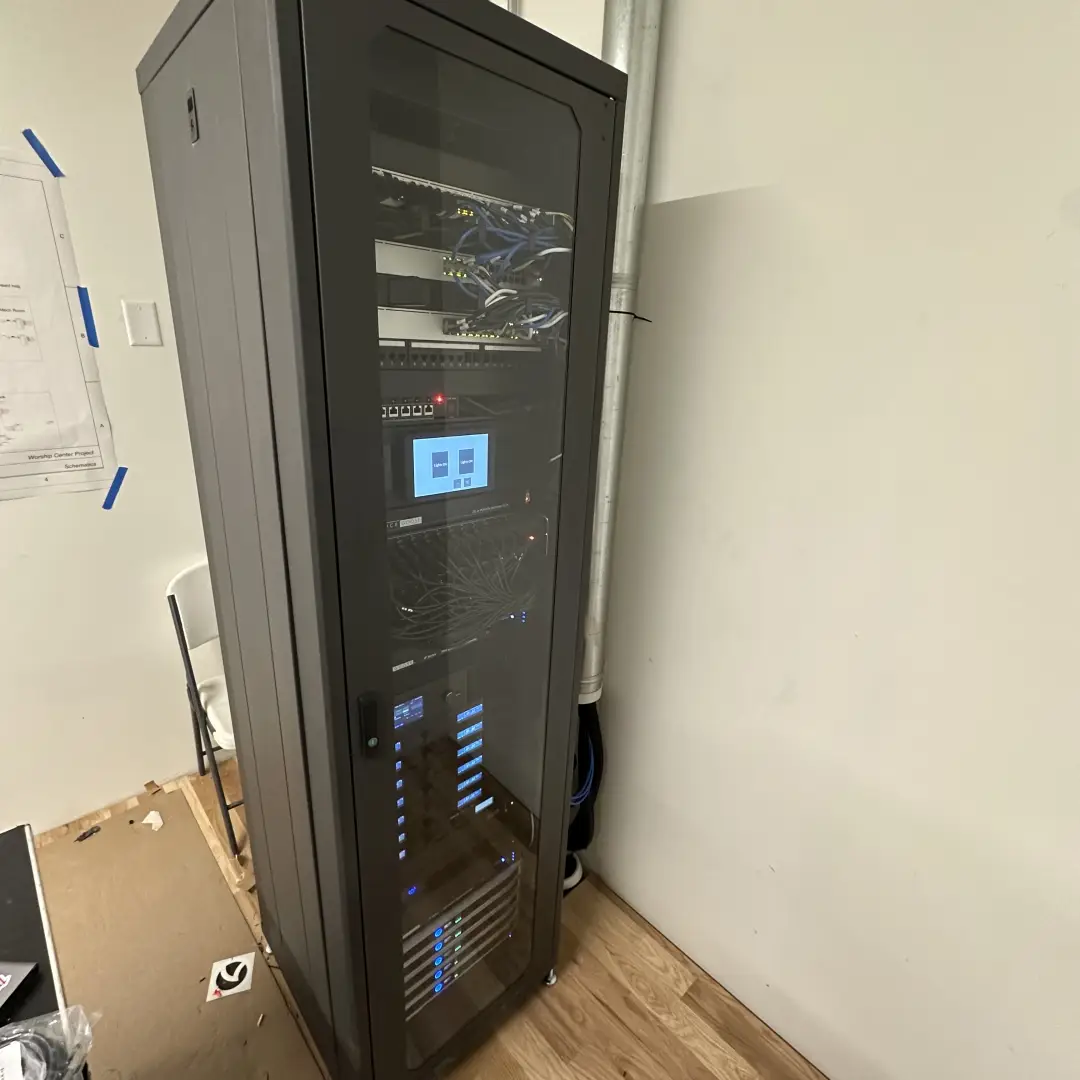
Many summer AV problems are tied to airflow and cooling. Equipment racks, AV closets, and control rooms that stay comfortable in winter can get significantly warmer once outdoor temperatures climb and HVAC demand shifts. If your system is in a room with no dedicated cooling, or in a rack with limited breathing room between components, heat builds faster than you'd expect.
- Are vents and cooling fans on rack-mounted equipment clear and unobstructed?
- Is there adequate space between components in the rack for heat to escape?
- Does the equipment room have its own cooling, or does it rely on the building's general HVAC?
- Does your HVAC reduce overnight or on weekends? Equipment staying powered in a room that cools down on Saturday night is sitting in more heat than you realize.
- Are any components mounted in enclosed cabinets or built-ins with limited airflow?
Power Quality
Summer increases electrical demand across your building. Your HVAC system is running harder than any other time of year, and that draw can affect voltage on the same circuits as your AV equipment. This isn't unique to summer, but the seasonal load amplifies it in ways worth paying attention to.
We've seen this play out in ways that were hard to diagnose. If you haven't read The Power Problem Nobody Saw Coming, it's worth a few minutes, especially if you've had unexplained equipment issues during summer months.
- Do you have power conditioning or a UPS on your critical AV components?
- Has anything else in the building been behaving oddly — HVAC error messages, lights dimming, other equipment acting inconsistently? These often point to a broader power issue.
- Are your surge protectors more than a few years old? Surge protection can degrade over time, so periodic replacement is worth considering.
Physical Inspection
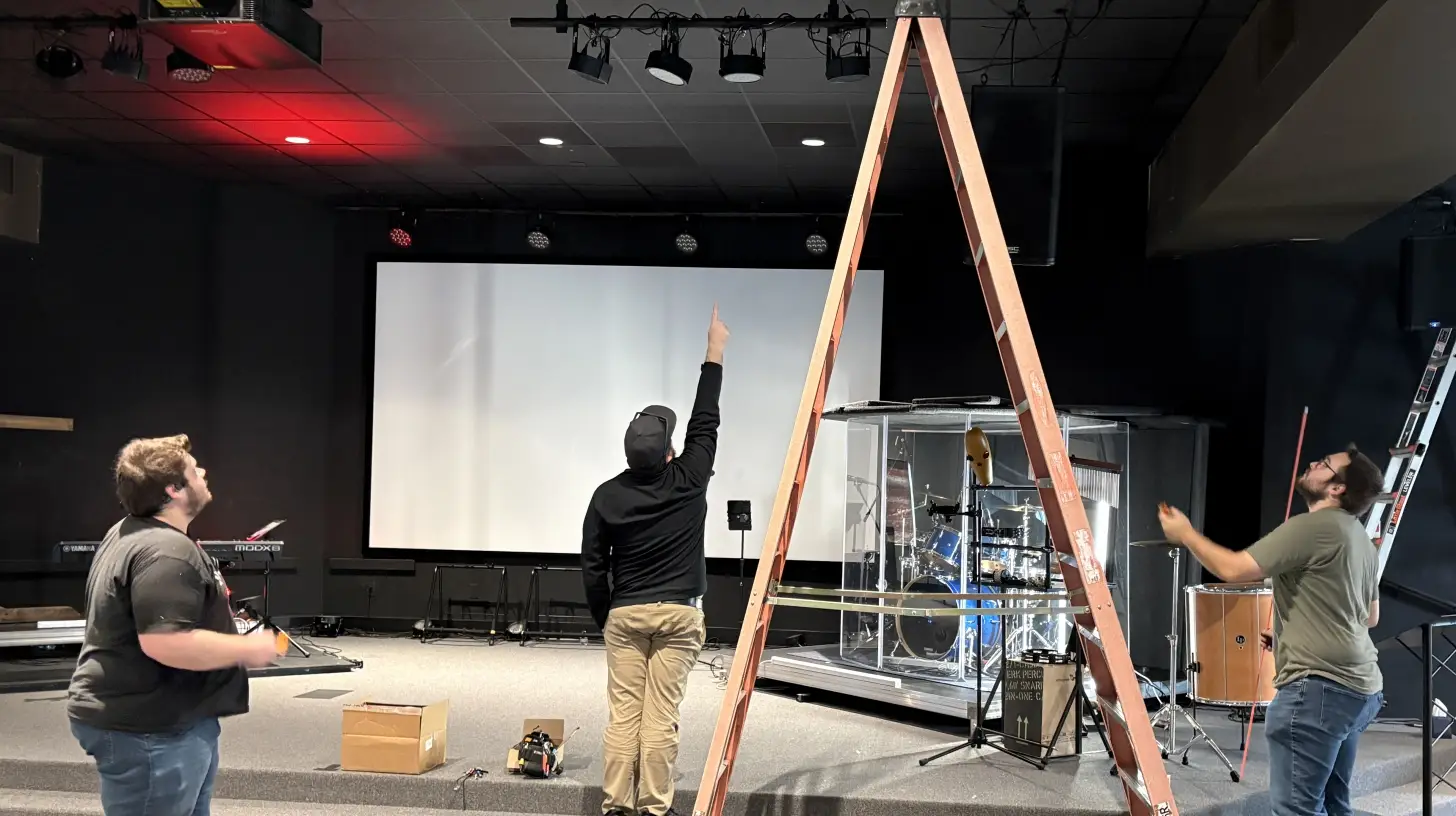
Dust and pollen accumulate year-round, but spring and early summer tend to accelerate the buildup — and clogged cooling fans are one of the most common reasons equipment runs hotter than it should. A physical walkthrough before your busy season costs an hour. Ignoring it can cost you a service call at the worst possible moment.
- Clean dust and debris from cooling vents and fan intakes on projectors, amplifiers, and rack equipment
- Inspect cable connections — heat cycling can loosen connections over time
- Look for any signs of corrosion on connectors, especially in spaces with higher humidity
- Check wireless mic battery compartments and transmitters for corrosion or contact issues
- Confirm rack screws and mounting hardware are secure
For a full ongoing maintenance schedule beyond seasonal prep, our AV maintenance checklist walks through what to check daily, weekly, and monthly.
Test Before Your Peak Season Hits
This is the step that gets skipped most often, and it's where you're most likely to catch something before it becomes a real problem.
If your space gets busier in summer, test everything under realistic conditions before that first big event — not during it. If your space actually slows down, that's the right time to run a full system check, because you have time to address what you find.
The trap for lower-use spaces is getting powered up hard after weeks of sitting idle in a warm building. Something that was fine in April may not be fine in June. You don't want to find that out when the room is full.
- Run projectors or displays for an extended session and watch for overheating shutdowns or image issues
- Test wireless microphones through the full range of your space — dropout patterns can change as components age
- Run a video call or livestream end-to-end, not just a quick check that the camera powers on
- Test your control system for responsiveness: touch panels, presets, and any automation sequences
- Listen for audio issues like hum, interference, or output that seems weaker than it should
- If you have backup or redundant systems, confirm they actually work
When to Call a Pro
Some of this is manageable for a facilities team or a tech-comfortable staff member. Cleaning vents, checking cables, running a system test — that's reasonable for most organizations.
But if you're finding things that don't add up — equipment running hotter than usual, recurring glitches, inconsistent performance that clears up and comes back — those aren't signs to wait on. Heat stress can be progressive and may show up as intermittent performance issues before a full failure. Catching it early is almost always less expensive than dealing with it after something fails mid-event.
If you're working through this list and something feels off, give us a call. We regularly provide professional AV maintenance and can help you figure out whether what you're seeing is routine maintenance or something that needs a closer look.
RYGID AV | Mooresville, NC | (980) 263-9194 | info@rygidav.com
.webp)
Recommended articles
Explore our latest news & articles below


Where to Contact + Connect with RYGID AV
Mooresville, NC 28117