
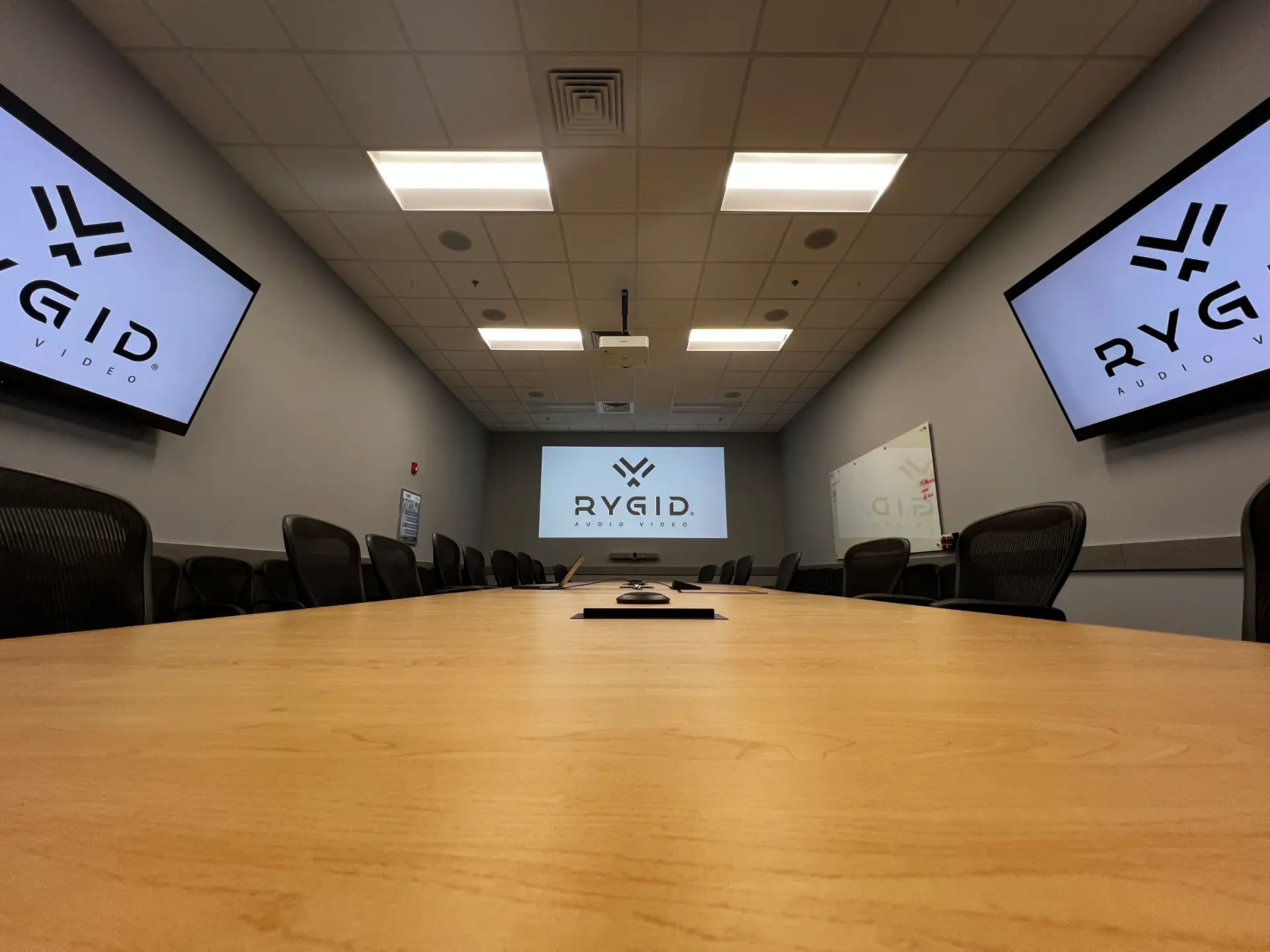
One question comes up early in almost every conference room consultation: projector or display?
If you've tried to research it online, you've probably walked away more confused than when you started. Some sources say projectors are dead. Others say large commercial displays are cost-prohibitive. The truth is both technologies still have a real place in modern meeting spaces. They're just solving different problems.
The better question isn't which one is "best." It's which one fits the room.
Room size, lighting, budget, and usage patterns all influence the answer. The right solution for one office can be the wrong one for another room down the hall. Understanding those variables makes the decision a lot clearer.
Why There's No Universal Right Answer
When we're evaluating a conference room, the equipment is only part of what we're looking at. The room itself often matters just as much as the technology.
Think of it this way: you wouldn't spec the same solution for a 300-seat auditorium and a six-person huddle room just because they're both "meeting spaces." The environment defines what the technology needs to do.
Room Size and Viewing Distance
Screen size is usually the first thing people fixate on, but it's really a function of the room, specifically how far people will sit from the screen.
Projectors have always been popular in large rooms because they can produce very large images without the cost of an enormous display panel. Once you start pushing past roughly 100 inches, projection systems become significantly more cost-effective than large-format displays.
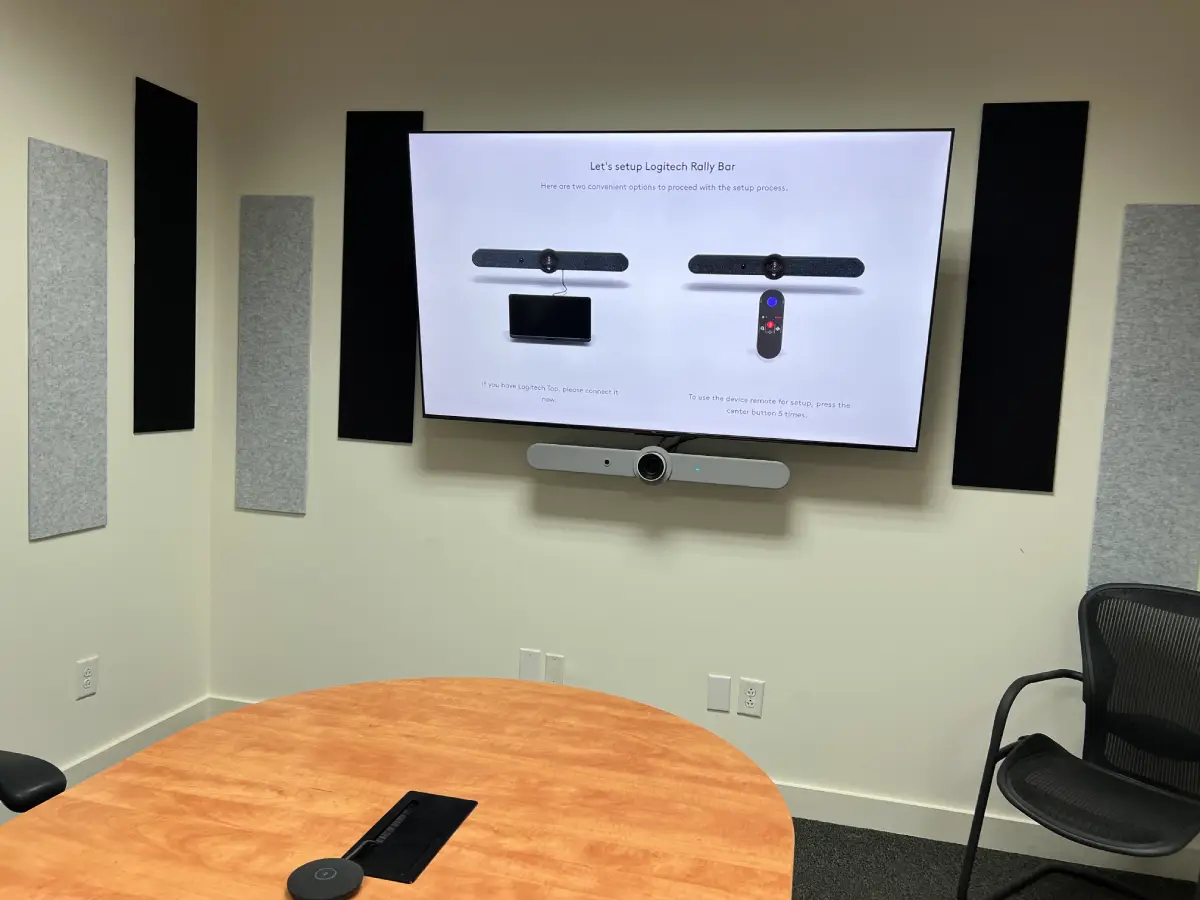
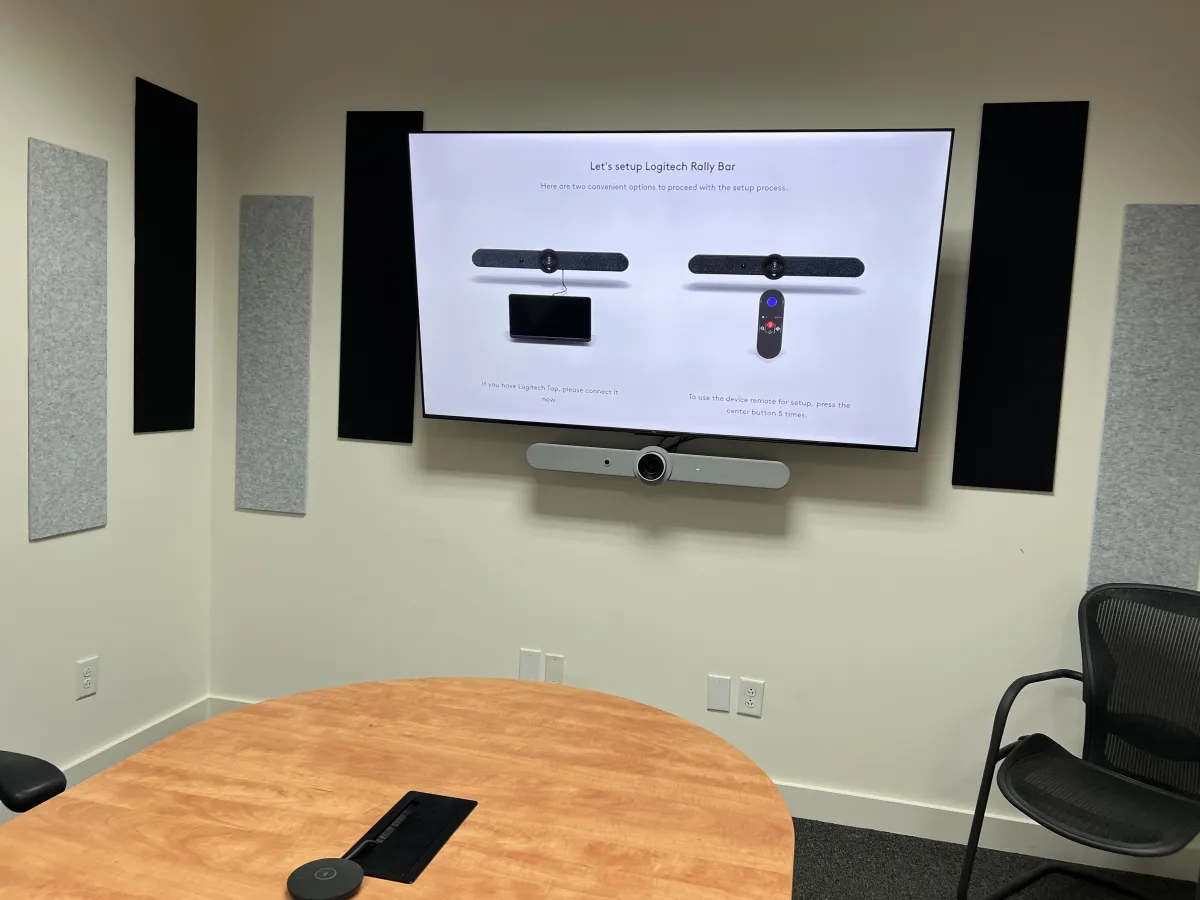
In smaller meeting rooms, that math flips. A typical six- to eight-person conference room works well with a display between 65 and 86 inches. You don't need projection to fill that space, and a display gives you other advantages we'll get to. If you're outfitting a smaller meeting space, our simple conference room setup guide covers what that process looks like in practice.
Lighting Conditions
This is where most people make their mistakes.
Projectors rely on reflected light. That means ambient light in the room directly competes with the image on the screen. Walk into a room with floor-to-ceiling windows and overhead lighting and try to run a projector — you're going to lose that battle. The image gets washed out, contrast drops, and people start squinting at slides.
Displays generate their own light, so they hold up in bright environments without needing to dim the room. For offices where the lights stay on and the blinds stay open, that's often a decisive factor.
Budget vs. Long-Term Cost
Projectors typically win on upfront cost, especially at larger screen sizes. That makes them appealing when budget is a constraint and a big image is a requirement.
But the long-term picture is worth understanding. Some projectors require lamp replacements over time, which add up. Displays have fewer service components once they're installed. Neither option is always cheaper. It depends on the room and how heavily it gets used.
How Often the Room Is Used
A room that sees one or two meetings a week has different demands than one running back-to-back calls all day.
For high-use environments, displays tend to be the practical choice. They power on quickly, require minimal maintenance, and are built for continuous operation. Projectors aren't disqualified by heavy use, but usage patterns are worth factoring in before you decide.
When a Projector Still Makes Sense
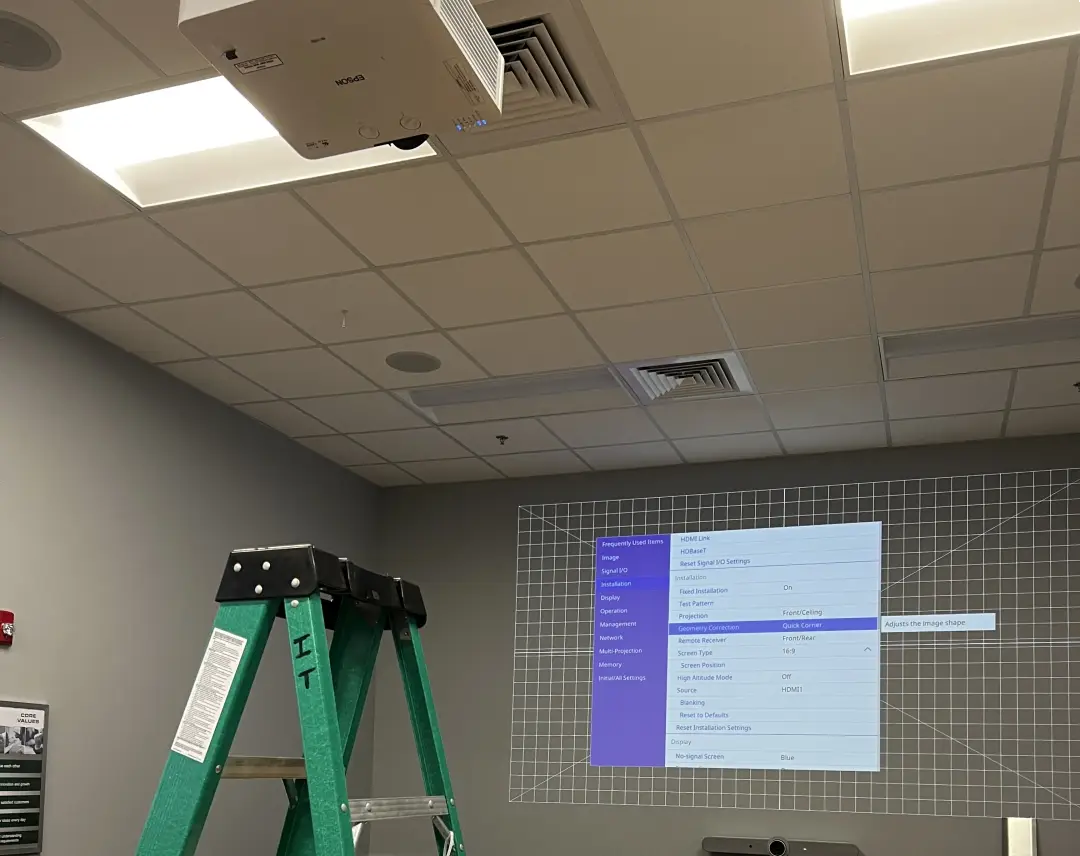
Projectors get written off as outdated technology, and that's not a fair assessment. They still solve certain problems better than any display panel on the market.
Projectors are often the right call for:
- Large conference rooms and training spaces
- Rooms that need screens larger than 100 inches
- Spaces where lighting can be controlled
- Installations where upfront cost is a real constraint
The core advantage is scale. Creating a 120-inch image with a display gets expensive fast; a projector handles that at a fraction of the cost. That's why projection systems still dominate in lecture halls, large boardrooms, and corporate training rooms.
The main tradeoff is light control. In a bright room with no window treatment, a projector is fighting an uphill battle. In a room where you can manage the light, that limitation mostly disappears.
When Commercial Displays Are the Better Choice
In most modern offices, displays have become the standard, and for good reason.
Displays tend to work better for:
- Small to medium conference rooms
- Video conferencing spaces
- Rooms with significant ambient light
- Environments running meetings throughout the day
Image clarity is the biggest argument. Displays produce sharper images and better contrast, which matters when people are reading charts, spreadsheets, or video call participants on the screen.
They're also simpler to operate. No warm-up time, no maintenance cycles, no recalibration after lamp changes. For many organizations, that reliability is what tips the decision — not specs, just the confidence that it's going to work every time someone walks into the room.
Why a Consumer TV Is Usually the Wrong Choice
This comes up a lot. Someone's pricing out a conference room and notices that a large consumer TV costs significantly less than a commercial display. It's tempting.
But consumer TVs aren't designed for this. They're engineered for living room use: a few hours a day, controlled environment, one person with the remote. A conference room is a completely different operating context. The gap between home and commercial AV equipment is more significant than the price tag suggests.
Commercial displays are built for extended daily use and don't degrade the way consumer panels do under continuous operation. They also offer connectivity and control capabilities that matter in a professional AV system: the ability to integrate with conferencing equipment, control interfaces, and facility management tools. Most consumer TVs simply weren't designed with those integrations in mind.
The screens may look similar on a spec sheet. Once they're installed in a working conference room, the differences become obvious. And at that point, you're usually looking at replacing the equipment rather than upgrading it.
Questions to Ask Before Making the Decision
Before deciding on technology, the room needs to tell you what it needs. When we assess a conference room, we're looking at:
- How large is the room, and how far will people sit from the screen?
- How much natural light does the space get during meeting hours?
- Will the room be used occasionally or throughout the day?
- Is video conferencing a primary function of the space?
- Is the priority a large image, or maximum clarity in a bright environment?
The answers usually point clearly in one direction without needing to get deep into specs and model comparisons.
Choosing the Right Conference Room AV Setup
Projectors and displays both have a place in modern conference rooms. The right solution depends on how the room is built, how bright it is, and how it gets used day to day.
Where organizations run into trouble is focusing on the equipment before understanding the room. Screen size, lighting, and the collaboration tools all need to work together. Pull one of those variables out of alignment and the whole system suffers.
If you're planning a new meeting space or upgrading an existing one, the team at RYGID AV designs conference room AV solutions that match the technology to the room so meetings run smoothly and presentations stay clear.
.webp)
Recommended articles
Explore our latest news & articles below


Where to Contact + Connect with RYGID AV
Mooresville, NC 28117