
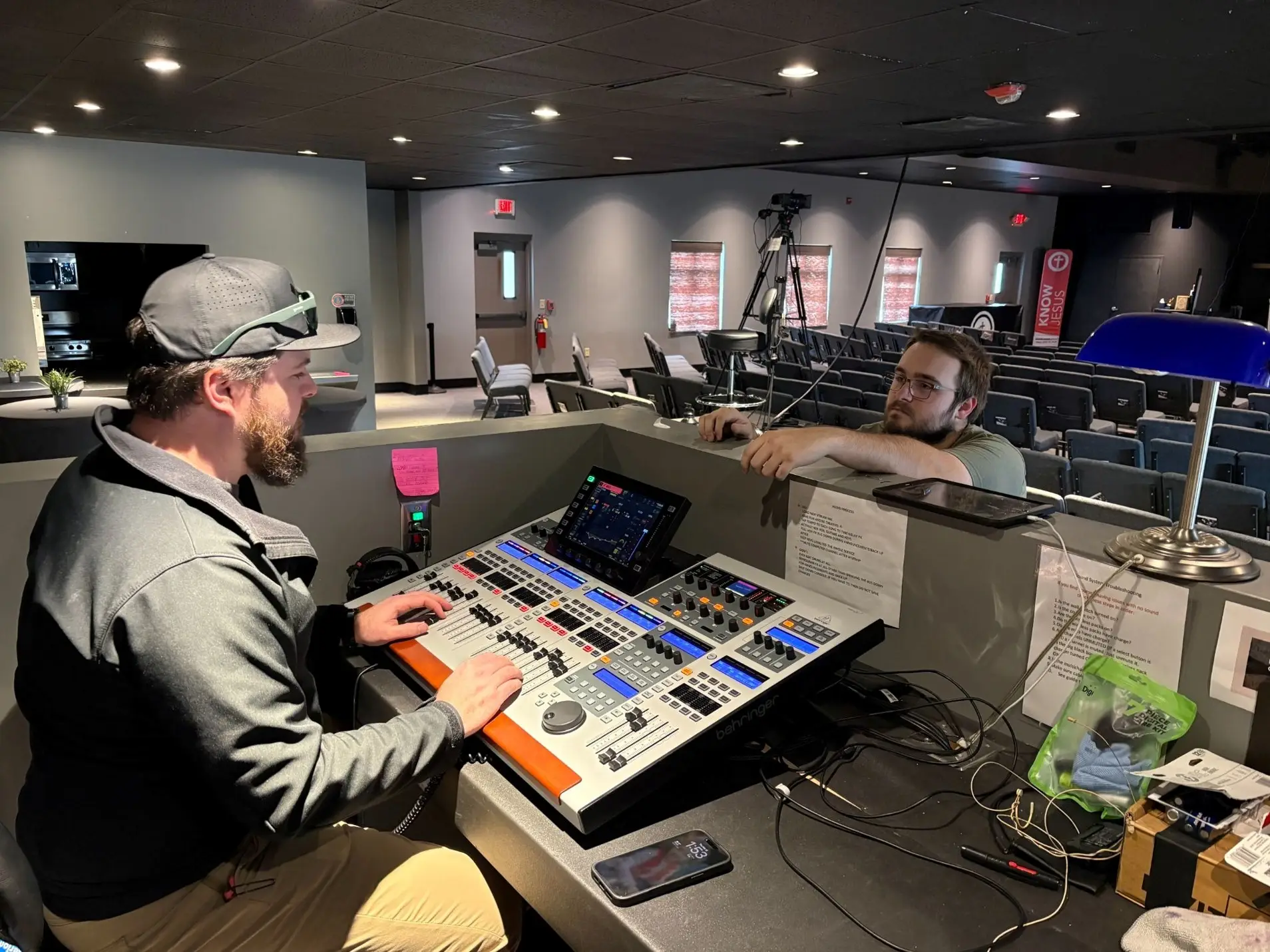
Most churches have several volunteers taking turns running sound. Some know their way around the board. Others are still figuring out which buttons to press. One Sunday everything sounds fine. The next, the pastor's mic is too low, and the music is louder than it should be.
More training seems like the obvious answer, but there's only so much a volunteer can remember when they serve once or twice a month.
Good church sound training starts with a system that's easier to use. When the controls are simple, the settings are already in place, and volunteers know what to focus on, there's less room for mistakes.
What Your Volunteers Actually Need to Know
Volunteers don't need to understand every setting on the sound board. They need to handle what comes up in a normal service. Teaching too much at once leaves new volunteers unsure of what they're actually responsible for.
We recommend starting with five basic tasks:
- Starting and shutting down the system: Which equipment turns on first, and the order for shutting everything down. The right sequence prevents loud pops through the speakers.
- Turning microphones on and off: When to unmute the pastor's mic, how to mute unused mics, and how to get ready for the next person speaking.
- Adjusting levels: Recognizing when the pastor is too quiet, or the band is too loud, and knowing which faders to move without affecting everything else.
- Knowing what not to touch: Speaker processing and detailed EQ stay as configured. Volunteers should know which controls are off-limits.
- Knowing when to ask for help: Every volunteer needs someone to call when a problem goes beyond the basic checks they've learned.
Those five tasks cover most of a typical Sunday. Once a volunteer is comfortable with them, you can add responsibilities based on their experience and interest.
Why Training Alone Isn't Enough
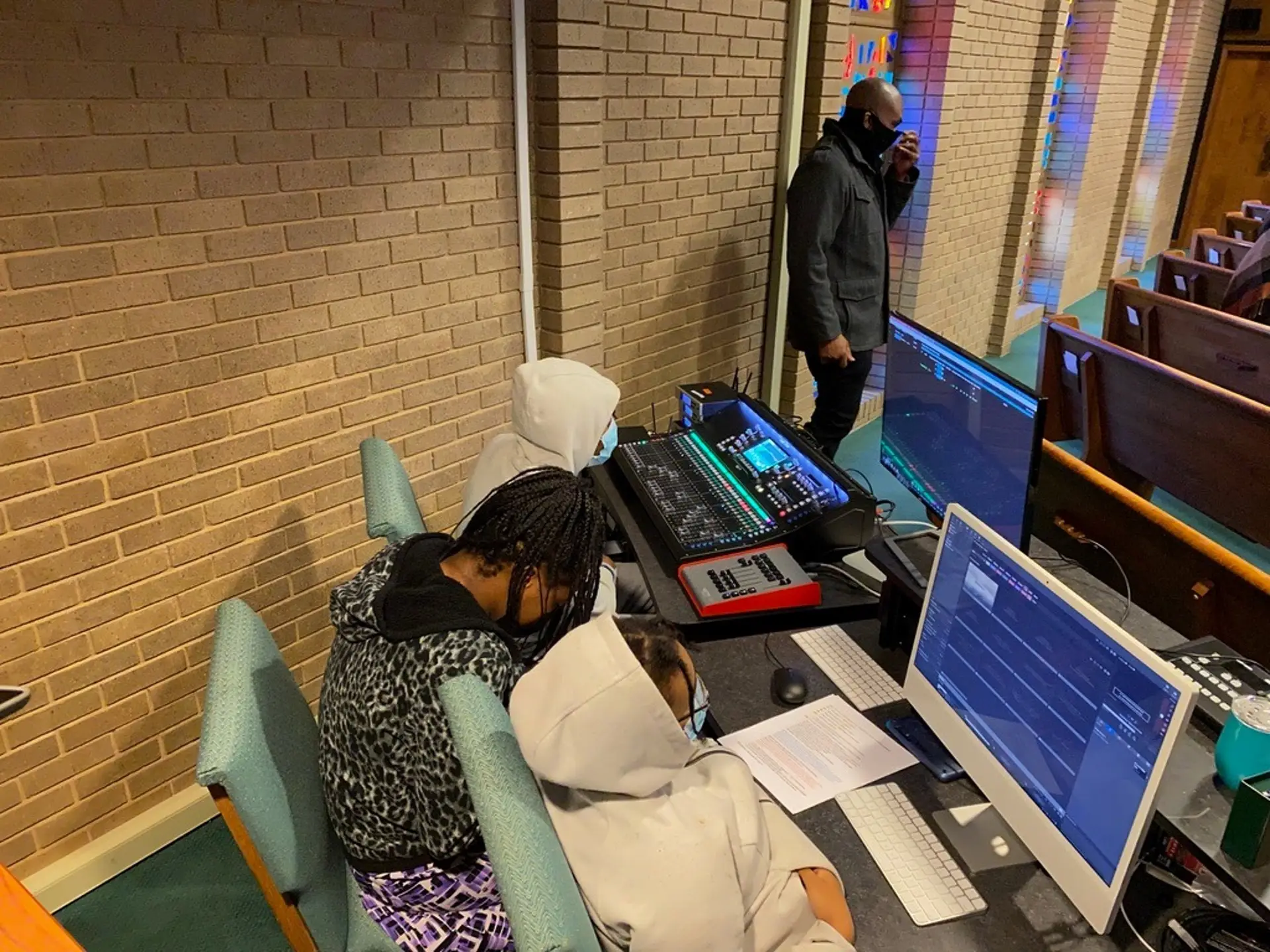
A volunteer can spend a whole Saturday learning the sound board. If they aren't on the schedule again for a month, they'll forget much of it.
One thing that makes everything worse is when the board is too complicated. A digital mixer can have dozens of channels, layers of menus, and settings volunteers rarely need. Even after training, someone can change something by accident and have no idea how to put it back. More training won't fix that.
Start by looking at how much you're asking volunteers to manage. If every Sunday requires someone to adjust several settings before the service begins, the system is asking too much of the person running it. Set up the equipment so the important settings are already in place, and volunteers can focus on mic levels, transitions between speakers, and the other changes that happen during worship. Our church sound system guide explains why equipment should be chosen and configured around how your church actually uses it.
The goal is Sunday sound that doesn't depend on who's sitting behind the board. Experienced operators can still make adjustments, but newer volunteers shouldn't have to rebuild the mix every week.
How to Set Up a Sound System Volunteers Can Run
An easy church sound system doesn't have to mean new equipment. Many churches can make their current setup easier to run by organizing the controls and cutting down the number of settings volunteers manage. Five changes help the most.
Save Presets for Different Services
Modern digital mixers can create scenes, or saved settings. A scene stores the starting levels, channel assignments, and other settings for a specific type of service, which simplifies what a volunteer needs to do to get things set properly. A church might have one scene for Sunday worship with a full band and another for a midweek service with a single speaker.
Instead of adjusting everything by hand, volunteers load the right scene and start from settings that have already been checked. Someone experienced should build and test each scene first. Volunteers also need to know when to load a scene and which changes won't be saved automatically.
Lock Settings Volunteers Shouldn't Change
EQ, speaker processing, routing, and other technical settings affect how the entire system sounds. A volunteer who changes one by accident can create a problem that's hard to track down.
Changing the controls should be limited where possible. Lock, hide, or restrict access to the controls to everyone but experienced operators. Volunteers can still learn more over time. Locking them keeps the everyday controls separate from settings that shouldn't need attention during a service.
Label Every Channel
"CH 7" and "Input 12" don't tell a new volunteer much. "Pastor Mic," "Lead Vocal," "Keyboard," and "Playback" let volunteers find the right control without guessing.
Use the same names on the mixer, the printed instructions, and the equipment itself where you can. When a mic moves to another channel or an instrument gets replaced, update the labels. Old labels are as confusing as no labels at all.
Make Startup and Shutdown Simple
Volunteers shouldn't have to remember a long sequence of steps every Sunday. Post a one-page checklist near the board that covers which equipment to turn on, when to check mics, and how to shut everything down afterward.
The checklist should match the actual equipment in your church, including the correct power sequence. Some systems can also run a single-button startup through a properly configured control system. Either way, keep it short enough that someone can follow it without another person explaining each step.
Keep Only the Necessary Controls in Front of Volunteers
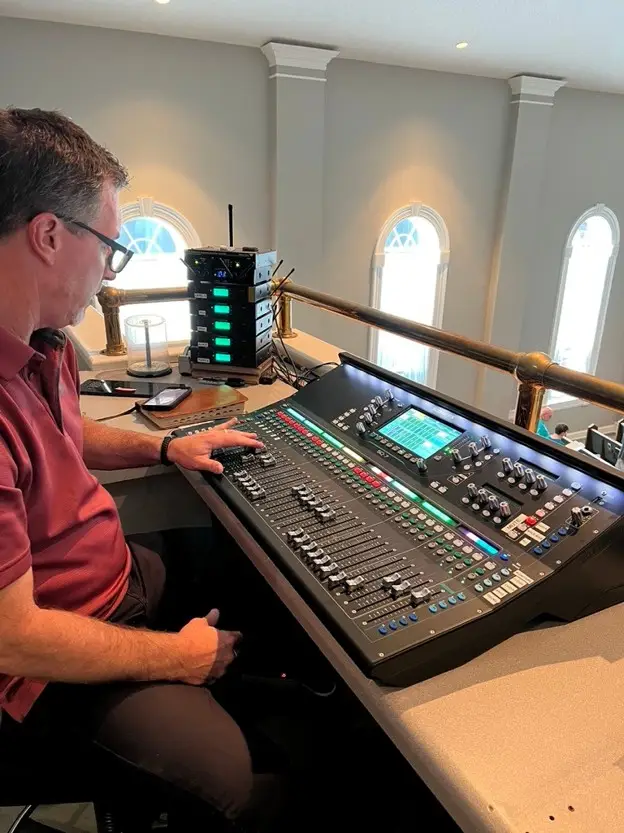
A mixer offers far more controls than a volunteer needs during worship. Many digital boards support custom fader layouts or user views that put the pastor's mic, the worship team, and other frequently used channels together. That keeps volunteers from searching through pages of controls while someone is speaking or singing.
Also ask whether your equipment fits the people using it. Our article on sound systems for smaller churches covers why a more complicated setup isn't always the better choice.
Building a Church Sound Training Plan
Once the system is organized, you can build a training plan volunteers can follow without feeling overwhelmed. Good church tech training gets people comfortable with the equipment they'll actually use instead of teaching every audio feature at once.
Let New Volunteers Shadow Experienced Operators
Before someone runs sound alone, have them sit beside an experienced volunteer for a few services. They'll see how mics are handled, when levels get adjusted, and what happens in the transitions between worship and the sermon. Let them try simple tasks under supervision. Watching helps, but hands-on at the board is how they get comfortable.
Practice Outside Sunday Services
Sunday morning is a poor time to learn unfamiliar controls. There's a schedule to keep, and mistakes affect the service. Midweek rehearsals give volunteers room to practice adjusting mic levels, switching scenes, and handling common problems without a congregation waiting. This hands-on practice is the most useful part of sound engineer training for church teams.
Pair New and Experienced Volunteers
Even after initial training, newer volunteers will run into settings or problems they're unsure about. Schedule them alongside experienced operators so they have someone to turn to, and give them more responsibility as their confidence grows. Avoid scheduling new volunteers too far apart, too. Regular repetition is what makes training stick.
Keep Training Materials Updated
A checklist only helps if it matches the equipment in front of the volunteer. When the church changes mics, adds channels, or updates mixer settings, update the instructions too. Keep a current copy in the sound booth and make sure everyone knows where it is. Church tech training works best as something volunteers can return to whenever they need a reminder.
Basic Church Sound System Troubleshooting
Even a well-organized system has problems. Every volunteer should know a few church sound system troubleshooting steps before calling for help:
- A microphone has no sound: Check whether the mic or its channel is muted. For wireless mics, check the power and battery. Make sure the right channel is selected and turned up.
- The speakers start feeding back: Pull down the affected mic's fader first. Once the feedback stops, check whether the mic is too close to a speaker. Leave unfamiliar EQ settings alone.
- There's no sound at all: Check whether the system was powered on in the right order, whether the main output is muted, and whether the right source is selected. Don't keep restarting equipment without knowing the cause.
For recurring mic problems, our article on why microphones cut out explains the most common causes.
Volunteers should also know when to stop troubleshooting and call the person responsible for the system. When the same problem keeps coming back, the system needs attention. The volunteer usually doesn't.
Make Church Sound Easier for Everyone
Volunteers shouldn't have to learn every technical detail to run a Sunday service. Clear labels, saved scenes, simple controls, and a reliable checklist give them a much better starting point. Pair that setup with practical church sound training, and your team can spend less time worrying about the board and more time following the service.
RYGID AV offers hands-on AV system training tailored to your space and the people using it. If your current setup is the bigger problem, our church sound system design work can build a system your volunteers can run with confidence.
Volunteers struggling with your soundboard? Contact RYGID AV, and we'll help you set up a system and a training plan your whole team can handle.
RYGID AV | 122 Backstretch Ln., Mooresville, NC 28117 (980) 263-9194 | info@rygidav.com

Recommended articles
Explore our latest news & articles below


Where to Contact + Connect with RYGID AV
Mooresville, NC 28117
Mooresville, NC 28117