
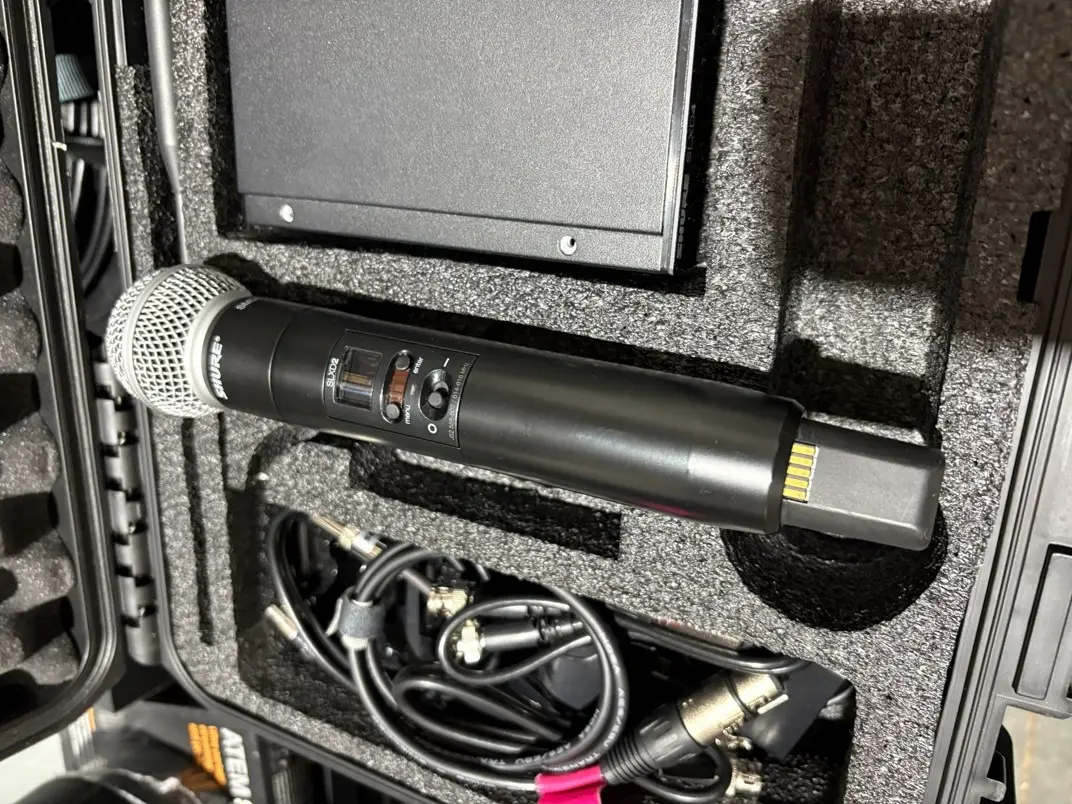
I get more questions about microphones than almost any other piece of AV equipment, and for good reason. A microphone is the part of the system someone actually holds or clips on, the thing they touch directly, so when something goes wrong anywhere in the system, the microphone is usually what gets blamed first, even when it isn't the actual problem.
That's especially true when a microphone worked fine for the first ten minutes of a service or meeting, then started cutting in and out. That's usually not a problem with the microphone itself.
If your mic drops out completely and won't come back, that's a separate issue covered in our general microphone troubleshooting guide. This one's about the mic that works, then doesn't, then works again, usually at the worst possible moment in a service or a meeting.
It's Usually Not the Microphone Itself
Wireless mics are built for hours of continuous use, so when one cuts out repeatedly instead of just failing once and staying off, that's a sign something else in the system is the actual problem. Before you write off the unit and order a replacement, it's worth ruling out a few things that have nothing to do with the microphone's own hardware.
Interference From Other Wireless Devices
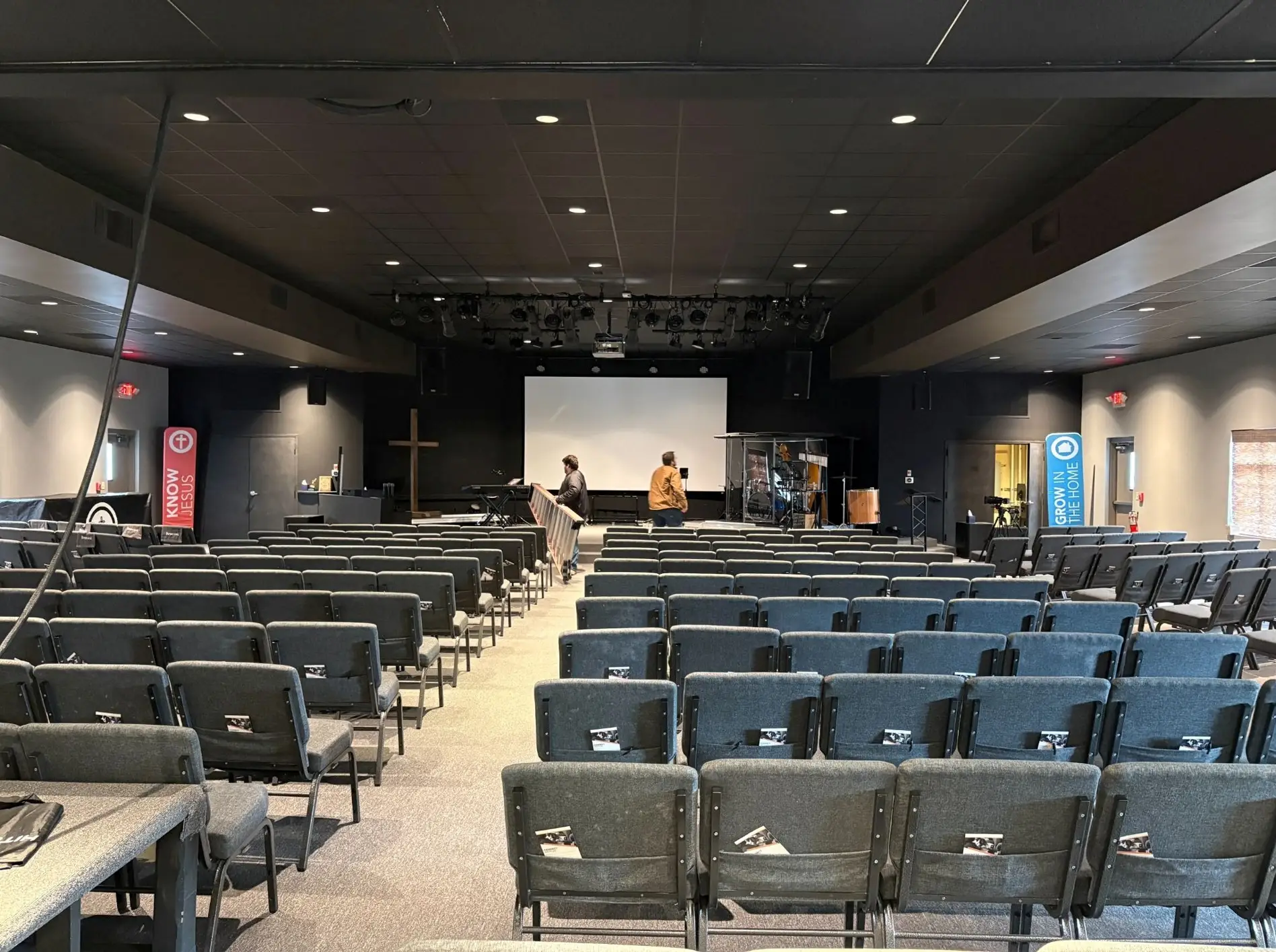
This is the most common cause, and it shows up differently depending on the room. In a church, it's usually a frequency coordination problem: several handheld and lapel mics running at once, sometimes on overlapping frequencies, sometimes stepping on other wireless devices in the building or even a neighboring venue. In a conference room, it's more often a crowded WiFi environment or another piece of wireless presentation gear competing for the same slice of spectrum.
Either way, the fix isn't a better microphone. It's proper frequency planning during setup, scanning the actual RF environment in that specific room instead of assuming factory-default channels will stay clear. A system that was never coordinated this way can run fine for months and then start cutting out the day someone brings in a new wireless device that happens to land on the same frequency.
Batteries and Loose Connections
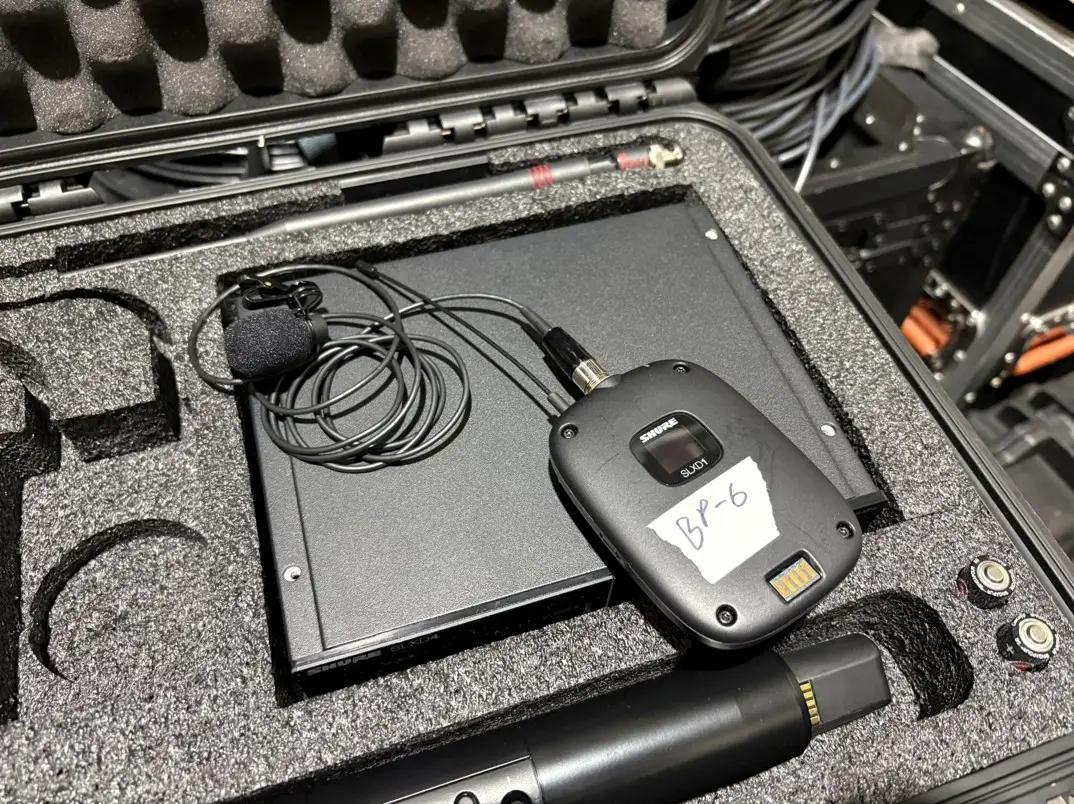
The less exciting causes, but common ones. A battery that's dying mid-use doesn't always cut power instantly; it can drop just enough voltage to cause intermittent dropout before it finally gives out completely, which reads exactly like an interference problem even though it isn't one. A loose XLR connection or a lavalier capsule with a worn connector can do the same thing, especially if the cutout tends to happen when the speaker moves, turns, or gestures.
When the System Isn't Actually Integrated
Sometimes the microphone, battery, and RF environment are all fine, and the problem is upstream of all of it. If a mixer scene or control system preset got misprogrammed, or if new equipment was added to the room without updating how everything talks to each other, a channel can get muted at the wrong moment or routed somewhere it shouldn't be. We wrote about this exact gap in AV integration vs. AV installation: a system can be installed correctly and still not be integrated, and a mic that cuts out only during certain parts of a service or certain points in a meeting, not randomly, is one of the more common ways that shows up.
A few things worth checking before you assume the worst:
- Does it happen at roughly the same point every time, or is it completely random? A pattern points toward interference or a programming issue. Random dropouts point more toward the battery or the connection.
- Did it start right after you added new equipment to the room? That's a strong sign it's a system issue, not the microphone.
- Is it worse when the speaker moves around versus standing still? That points to a connector issue, not the RF signal.
When It's a Sign You Need Maintenance, Not a New Mic
If the cutouts are occasional, a fresh battery or a reseated connector might genuinely solve it. If they keep coming back, across services or meetings, on a system that used to run fine, that's usually not a one-time fix. Connectors corrode, RF components wear down, and a system that was never on a maintenance schedule tends to show it first through exactly this kind of intermittent failure, not a dramatic breakdown. Regular AV maintenance catches that kind of wear before it turns into a mic dying mid-sermon or mid-presentation.
What To Do About It
If it's happened once or twice, check the battery and the connections first. If it's a pattern, especially one tied to a specific point in your service or meeting, or one that showed up after new equipment came into the room, that's worth a real look rather than a guess. That's true whether you're running a church sound system or a conference room that just needs to work every time someone walks in to present.
Mic cutting out and not sure why? Contact RYGID AV; we'll help you figure out whether it's interference, a connection issue, or something worth putting on a maintenance schedule.
RYGID AV | 122 Backstretch Ln., Mooresville, NC 28117 (980) 263-9194 | info@rygidav.com
.webp)
Recommended articles
Explore our latest news & articles below


Where to Contact + Connect with RYGID AV
Mooresville, NC 28117
Mooresville, NC 28117