
Many organizations discover the difference too late: a room that can run Microsoft Teams and a room that is actually built for productive Teams meetings are two very different things.
On paper, both rooms may have a camera, display, and microphone. In practice, one delivers clear communication, consistent performance, and a better experience for everyone involved. The other leaves people struggling to hear remote participants, reconnect devices, or troubleshoot issues before every meeting.
Before investing in a Microsoft Teams room setup, it helps to understand what makes a conference room work well. The equipment matters, but so do the room itself, the acoustics, the network, and how people interact with the technology every day.
The Room Comes First
One of the biggest mistakes we see is choosing equipment before evaluating the room. The physical space directly impacts which technologies will work effectively. Room dimensions, ceiling height, seating layout, and building materials all influence microphone coverage, speaker performance, and camera placement.
For example, a six-person huddle room has very different requirements than a twelve-person boardroom. Equipment that performs well in a smaller space may struggle to provide adequate coverage in a larger room.
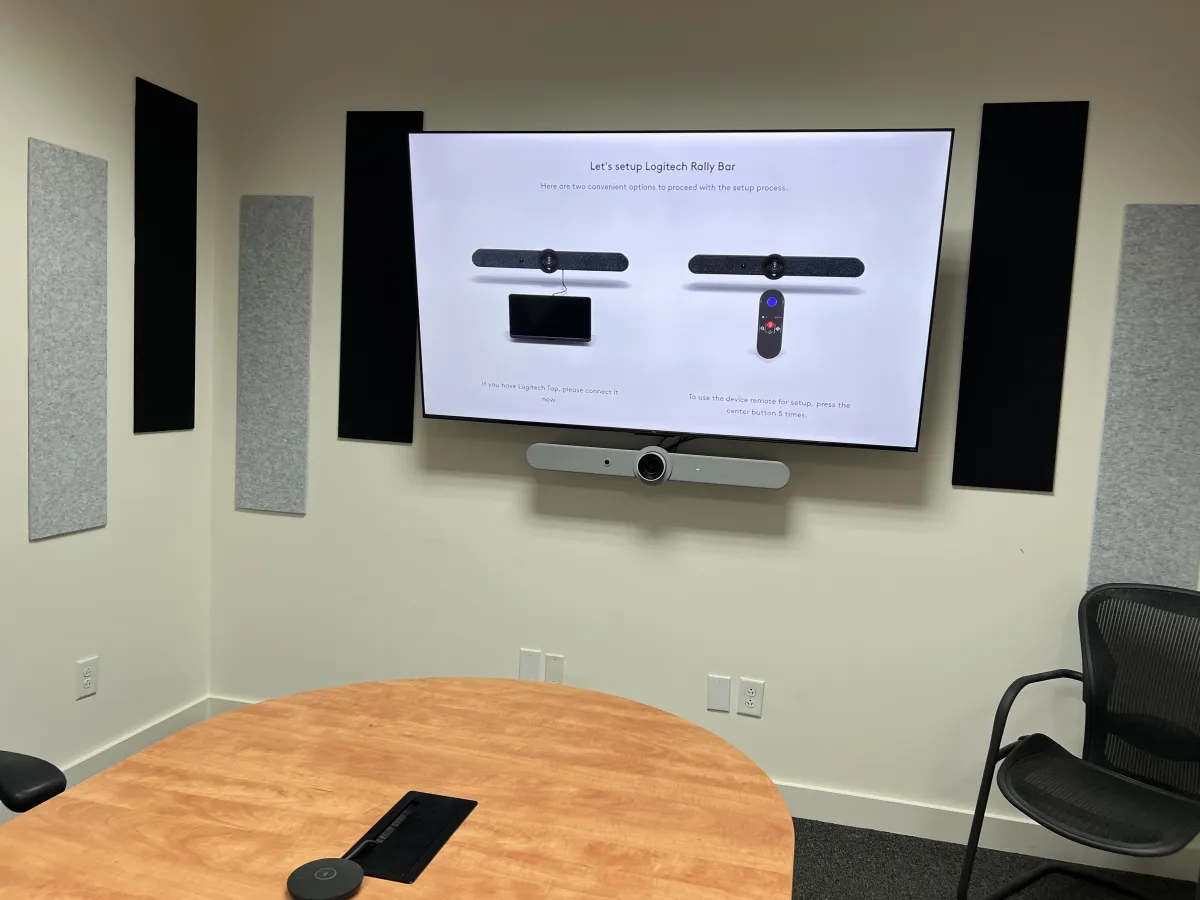
Room surfaces also play an important role. Glass walls, hardwood floors, exposed ceilings, and large drywall surfaces can create reflections that affect audio quality. Even high-quality microphones cannot completely overcome a room with significant echo and reverberation problems.
Ambient noise should also be considered early in the planning process. HVAC systems, nearby workspaces, hallway traffic, and open-office environments can introduce background noise that interferes with conversations.
This is why room assessment should happen before equipment selection. The best Microsoft Teams conference room equipment is not necessarily the most expensive option. It is the equipment that matches the space's specific characteristics.
Matching Equipment to Room Size
Microsoft's own room-planning guidance groups certified room hardware into size categories, and it's worth knowing them before you start comparing equipment, since a package built for one size class won't necessarily perform well in another:
- Focus rooms (2-4 people): Small, enclosed spaces for one-on-one calls or a small huddle. Simple soundbar-and-display setups usually cover this.
- Small rooms (4-6 people): Typical huddle rooms. A soundbar or a single table mic paired with a display usually provides adequate coverage.
- Medium rooms (6-12 people): Standard conference rooms. These generally need dedicated ceiling or table microphones, a more capable speaker system, and often a wide-angle or PTZ (pan-tilt-zoom) camera to keep everyone framed.
- Large rooms (12-16 people): Boardrooms and training rooms. These typically call for multiple microphones or a distributed ceiling array, multi-camera setups, and dual displays to keep both people and content visible.
Rooms built for more than 16 people generally move into custom, multi-camera and divisible-space design rather than a standard packaged tier, and that's a conversation worth having with whoever is assessing your space.
A room's size class should drive the equipment conversation, not the other way around. Buying "medium room" gear for a large boardroom is one of the more common reasons a Teams room underperforms right out of the gate.
Audio Is Where Rooms Fail
When people think about conference room technology, they often focus on cameras and displays. In reality, most complaints about meetings stem from audio issues. If remote participants cannot clearly hear everyone in the room, the meeting becomes frustrating, no matter how good the video looks.
Microphone coverage is one of the most important factors to evaluate. Every microphone has a defined pickup area, and placement matters. A microphone positioned too far away from participants may capture voices inconsistently or introduce unwanted room noise. Different microphone types serve different purposes:
- Ceiling microphones are often a good fit for larger conference rooms because they provide broad coverage while keeping tables free of equipment.
- Table microphones work well when seating positions are fixed and participant locations are predictable.
- Soundbars can be effective in smaller rooms where users sit relatively close to the display.
Room acoustics also affect microphone performance. Hard-walled spaces tend to create echo and reverb, making speech less intelligible. Even when a microphone picks up voices successfully, the resulting audio may still sound distant or unclear to remote participants. That distinction matters. A room where people can be heard is not necessarily a room where people can be understood.
Successful Teams room design focuses on ensuring every participant sounds clear and natural, regardless of where they are sitting.
Microsoft Teams Rooms Certified vs. "Runs Teams"
This is one of the most common points of confusion for buyers.
Many conference rooms technically run Microsoft Teams. A laptop connected to a display and camera can launch a Teams meeting. However, that does not make it a Microsoft Teams Rooms deployment.
A proper Microsoft Teams Rooms (MTR) system is designed specifically for conference room use. It provides a dedicated meeting experience that is managed, standardized, and optimized for Teams collaboration.
The difference becomes obvious during day-to-day use. With a laptop-based setup, users often spend time locating adapters, connecting devices, logging into accounts, and troubleshooting configuration issues. Every meeting can start a little differently depending on who is using the room.
Microsoft Teams Rooms are designed to eliminate that inconsistency. Users walk into the room, see scheduled meetings on the controller, and start sessions with a single touch.
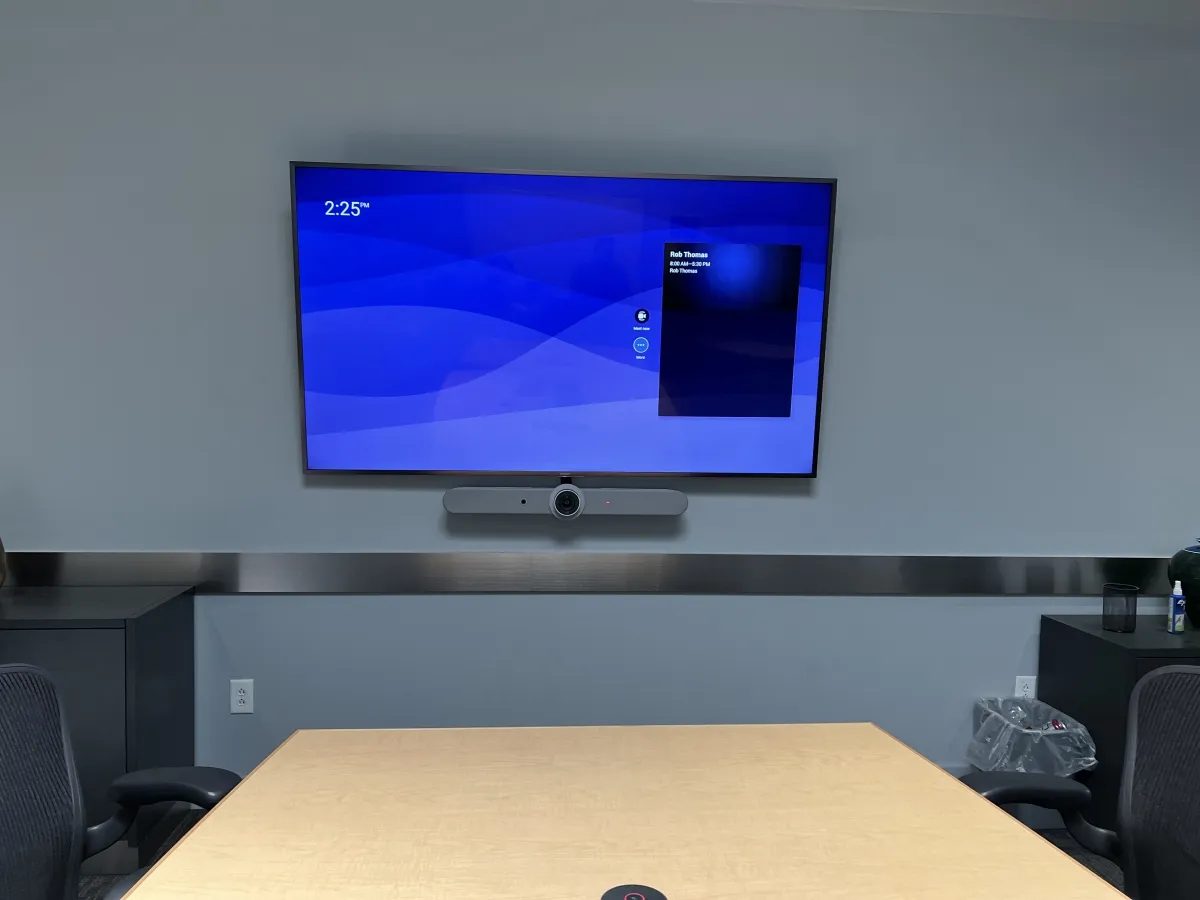
Certification is also important. Microsoft certifies hardware that meets specific performance and compatibility standards for Teams environments. Well-known Teams-certified manufacturers include Logitech, Poly, and Yealink. These companies offer solutions ranging from small huddle-room packages to larger boardroom systems.
That said, certification alone does not guarantee success. A certified device can still perform poorly if it is deployed in the wrong environment or integrated without considering room acoustics, seating layouts, and network requirements. The hardware matters, but the overall system design matters just as much.
Display, Network, and Control
Three areas frequently get less attention than they deserve: displays, network infrastructure, and user control.
Display Selection
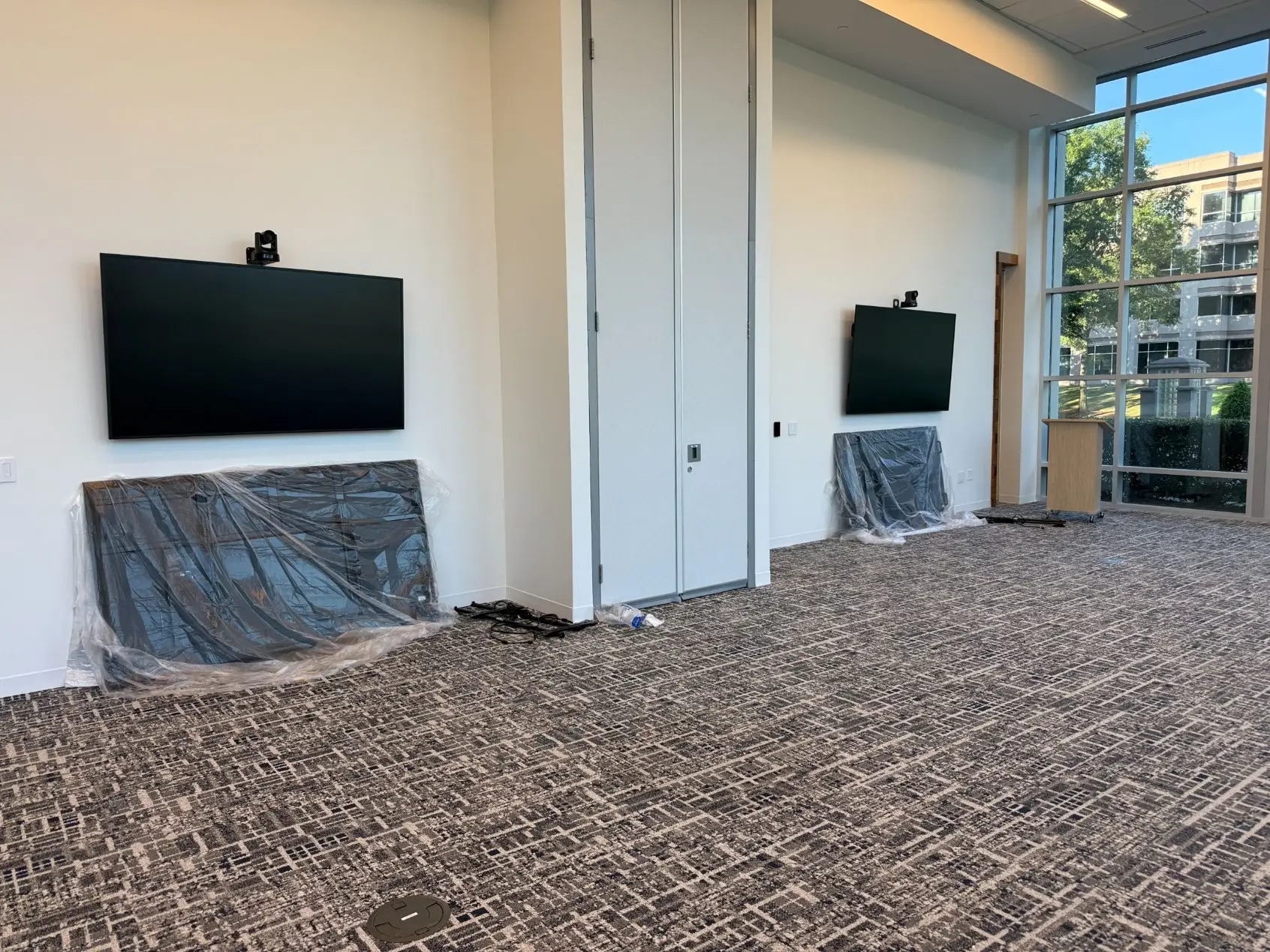
Choosing the right display involves more than simply purchasing the largest screen available. Screen size should be matched to room depth and viewing distance. Participants at the back of the room should be able to clearly read shared content without straining.
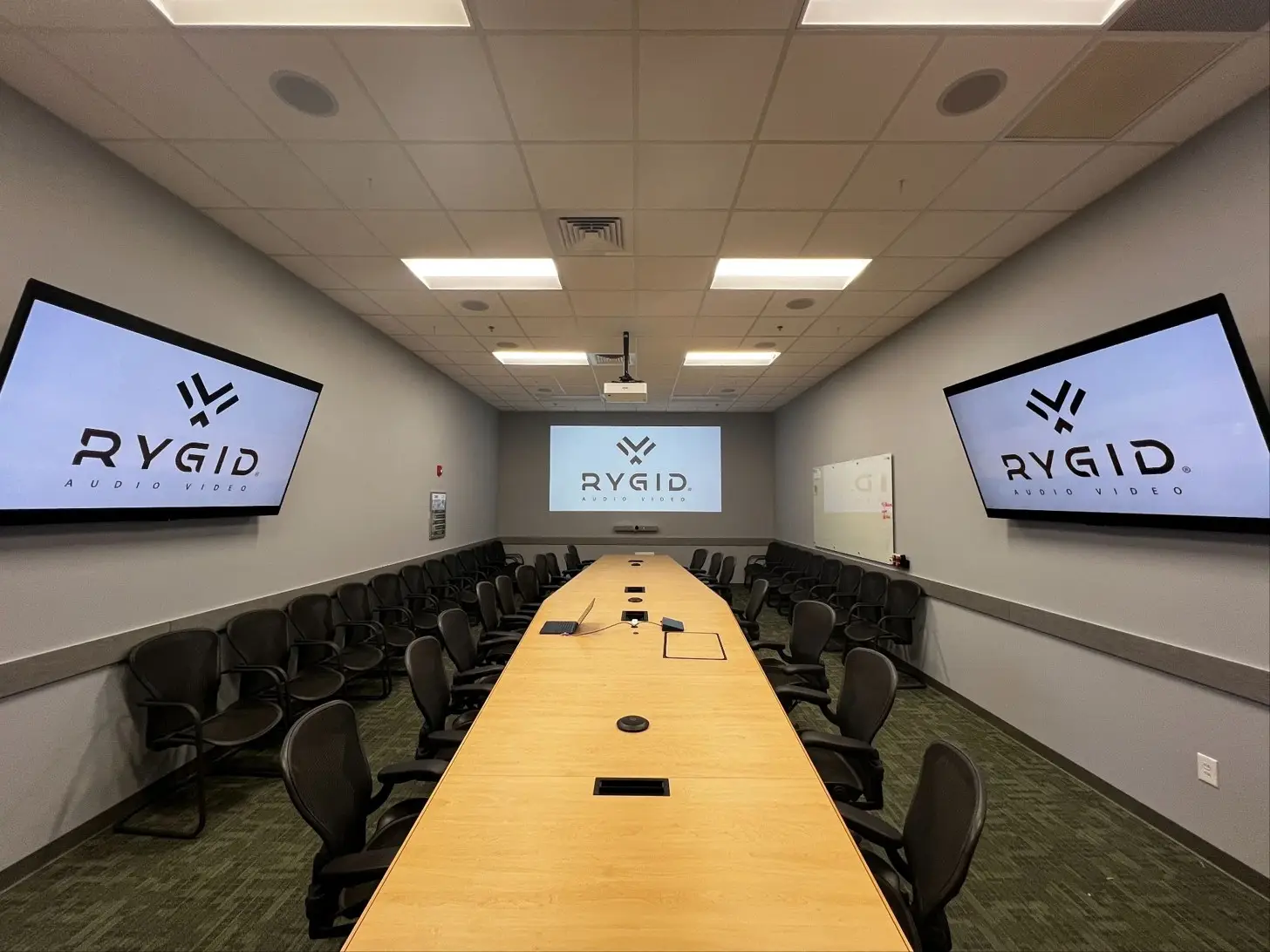
Organizations also need to decide whether a single-screen or dual-screen configuration makes more sense. Dual displays can improve collaboration by keeping meeting participants and shared content visible simultaneously.
We also encourage clients to consider the differences between consumer televisions and commercial-grade displays. While consumer TVs may appear less expensive initially, commercial displays are generally designed for longer operating hours, better manageability, and professional environments. Understanding the differences between home vs. commercial AV equipment can help avoid future performance and maintenance issues.
Network Reliability
Video conferencing systems depend heavily on network performance. Reliable wired connections are typically preferred for conference room technology because they provide greater stability than wireless alternatives. Sufficient bandwidth should also be allocated to support video, audio, screen sharing, and other collaboration features.
Strong coordination between IT teams and AV professionals helps prevent network-related issues that may not become apparent until after installation.
Simple Control Matters
Even well-designed rooms can fail if they are difficult to operate. People expect meetings to start quickly. If users must navigate multiple remotes, input selections, or complicated startup procedures, adoption often suffers.
One-touch meeting start functionality has become a key expectation for modern conference rooms. The easier the room is to use, the more likely employees are to use it consistently and correctly.
What Does a Microsoft Teams Room Setup Cost?
Cost is one of the first questions most organizations ask, and it's a fair one. It's also one of the hardest to answer with a single number, because the range is wide by design. A small huddle room with a soundbar-based, certified all-in-one kit sits at the low end of the market. A medium conference room with dedicated ceiling audio and a PTZ camera runs higher. A large boardroom with distributed audio, multi-camera coverage, and dual displays sits higher still, and that's before accounting for cabling, mounting, network work, programming, and installation labor.
Room size, the room's acoustic challenges, and how the system needs to integrate with existing IT infrastructure move that number more than the brand of hardware does. Two rooms that look similar on paper can price out very differently once one of them turns out to have exposed ceilings and glass walls to work around.
If you're early in budgeting and want a realistic range for your specific space, that's exactly the kind of question a room assessment answers. It's hard to price a room well sight unseen.
What to Look for in a Vendor Proposal
Not all conference room proposals are created equal. Before approving a project, it helps to look beyond the equipment list and focus on how the solution was developed. At minimum, a proposal should show that the vendor:
- Assessed the room before recommending hardware: room dimensions, acoustics, and user requirements should influence the design, not just the room's headcount.
- Specified Teams-certified devices where appropriate, rather than generic hardware paired with Teams software after the fact.
- Gave audio real attention. Many proposals emphasize displays and cameras while giving limited detail to microphones, speakers, and room acoustics, which is where most rooms actually fail.
- Included services, not just equipment. Installation, programming, testing, calibration, and user training all affect the final experience. A proposal that only lists hardware may leave real work unfinished.
That list only scratches the surface of what separates a trustworthy quote from a bare equipment list. We've written a more complete breakdown of what a transparent AV quote should include in what to look for when you're getting AV quotes, and it applies to a Teams room quote just as much as any other AV project.
Frequently Asked Questions
Is a laptop connected to a TV the same as a Microsoft Teams Room? No. That setup can run Teams meetings, but it isn't a Microsoft Teams Rooms (MTR) deployment. An MTR system is purpose-built for the room, with managed, standardized hardware and one-touch meeting start. A laptop-and-TV setup depends on whoever's using it that day to bring the right adapters and log in correctly.
Do I need Microsoft Teams Rooms certified hardware? Not in every case, but it's worth defaulting to certification unless there's a specific reason not to. Certified devices from manufacturers like Logitech, Poly, and Yealink are tested against Microsoft's performance and compatibility standards, which reduces the risk of glitches, dropped features, or firmware conflicts down the road.
How much does a Microsoft Teams Room cost? It depends heavily on room size and complexity. Small huddle rooms sit at the low end, large boardrooms with distributed audio and multi-camera setups sit at the high end, and acoustic or infrastructure challenges in the room itself can move the number in either direction. A room assessment is the most reliable way to get an accurate range for your space.
What's the biggest reason Teams rooms underperform after installation? Audio, more often than video. Rooms are frequently designed around cameras and displays first, with microphone coverage and acoustics treated as an afterthought. Most day-to-day meeting complaints trace back to someone being hard to hear, not hard to see.
Planning a Teams Room That Works Long-Term
A successful Microsoft Teams room setup is never just a collection of devices. The room itself, audio coverage, displays, network infrastructure, and control systems all contribute to the meeting experience. When these elements are planned together, users spend less time troubleshooting and more time collaborating.
Whether you're building a new meeting space or upgrading an existing conference room, taking a system-wide approach helps ensure the technology supports your team rather than creating new frustrations.
At RYGID AV, we help organizations design and deploy technology that fits the way their teams actually meet. From room assessments and system design to installation and optimization, our team focuses on creating reliable meeting spaces that are easy to use and built around your goals. If you're evaluating Microsoft Teams conference room equipment or exploring conference room solutions, contact RYGID AV for a consultation and expert guidance on the right approach for your space.
Ready to plan a Microsoft Teams room that actually works for your team? Contact RYGID AV. We'll assess your space and recommend a system built for how you meet, not just what runs Teams.
RYGID AV | 122 Backstretch Ln., Mooresville, NC 28117 (980) 263-9194 | info@rygidav.com
.webp)
Recommended articles
Explore our latest news & articles below


Where to Contact + Connect with RYGID AV
Mooresville, NC 28117
Mooresville, NC 28117