
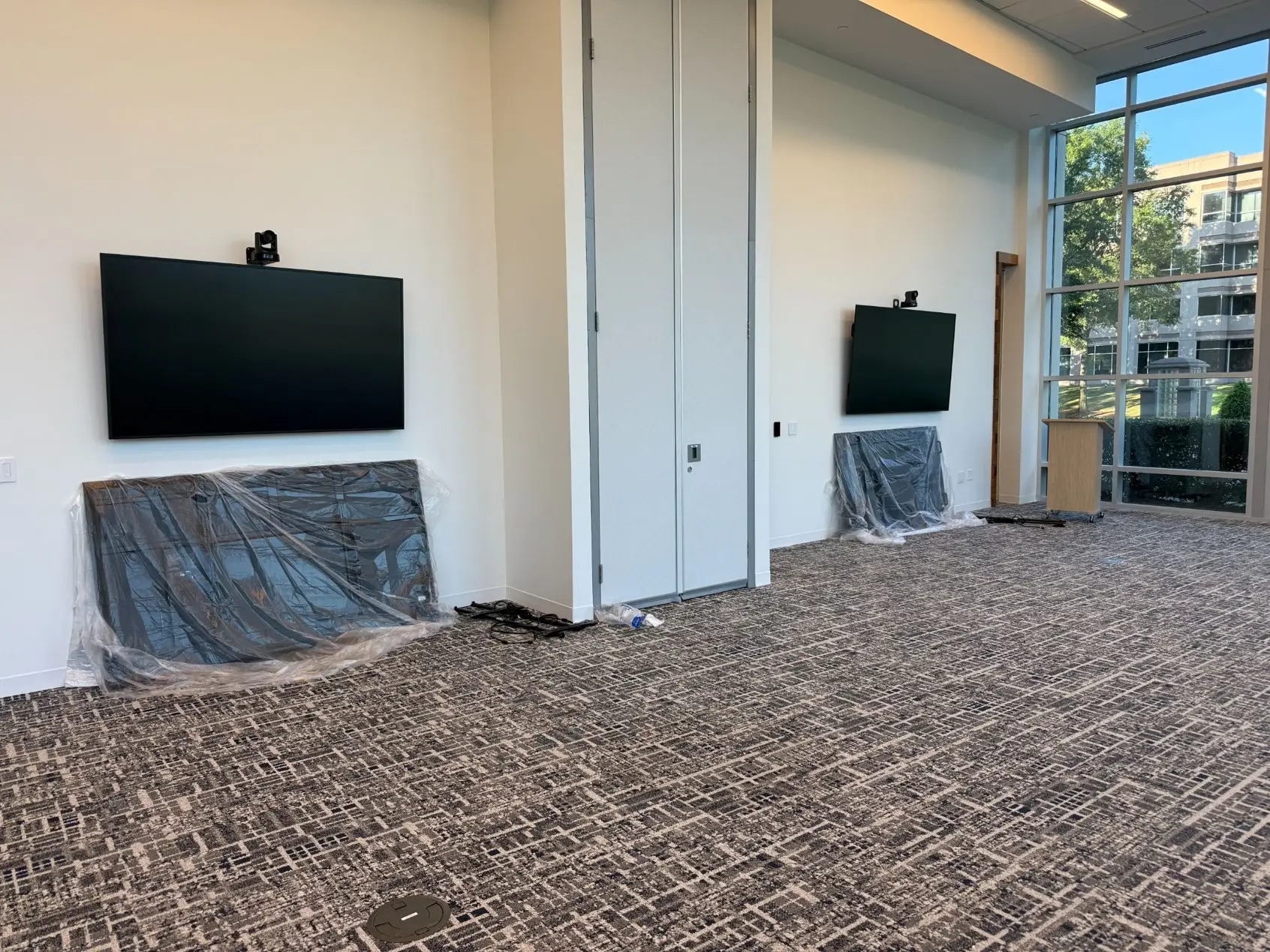
There are a lot of good all-in-one conference room kits on the market. Logitech and Shure are two brands we use regularly; both make them, and they work well in the right room. They're also easy to research. You can see the product, read the specs, and get a price without talking to anyone.
The problem is that the product page shows you what the kit does in the room it was designed for. It doesn't tell you whether your room is that room. People see what a kit offers and fill in the gaps with how they want it to work, without the technical side of whether it can. That gap is where most of my conference room conversations start.
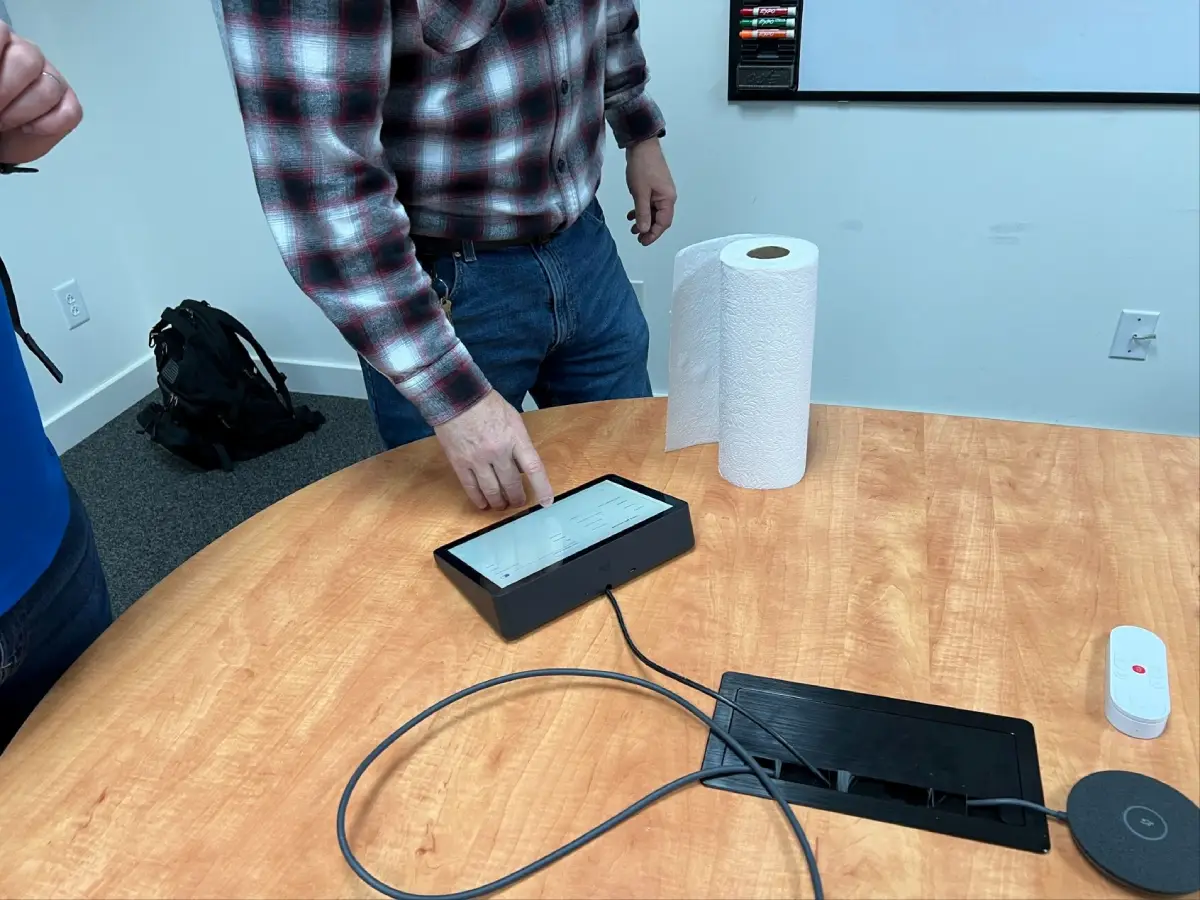
What Conference Room Kits Are Built For
Conference room kits are designed around an average conference room: roughly 25 feet by 25 feet, with a 9 or 10-foot drop tile ceiling. The microphone pickup, speaker coverage, and camera field of view are all planned around that space.
Inside those limits, a kit can be a great fit. Outside them, you're asking it to do a job it wasn't designed to do.
What Pushes a Room Past a Kit
As soon as your room steps outside that average, you have to ask whether the kit will work at all. A few of the most common reasons:
- Angled walls. Kits assume a fairly standard rectangular room. An angled wall changes how sound moves around the space and how the camera sees the people in it.
- High ceilings. Microphones and speakers are designed for a certain distance to the people they're covering. Raise the ceiling and that math changes.
- No drop ceiling. Many kits rely on a drop-tile ceiling to mount ceiling microphones and speakers. Take that away, and you've changed where equipment can go and how well it performs.
- Room size. A room that's longer or wider than the kit expects leaves people outside the coverage area. They're the ones the far end can't hear.
- Flex spaces. A boardroom table that never moves is a very different design problem than a room that gets rearranged every week.
Any one of these is enough to make you question whether a kit is the right call.
The Four Factors That Decide Your System
The room is only part of it. When we sit down with a client about a conference room, these are the factors that drive the design:
- Displays. Do you want a single display at the front of the room? Dual displays at the front? One in front and one in the back? Each option adds a new dimension to the system.
- The operator. What's the capability of the people using the room? Do they have the skills to operate it regularly and correctly? A system that works great for a tech-savvy team can be a daily frustration for everyone else.
- The room itself. Size, angled walls, ceiling height, and ceiling type all determine whether a kit is even an option.
- The conferencing codec. Are you standardizing on a locked-down room system like Teams Rooms or Zoom Rooms, or does the room need to support bring your own codec (BYOC), where people run meetings from their own laptops? Some kits don’t support BYOC/D. We've explained that difference and why dual-display conferencing with BYOD isn't simple.
Any one of these can push a room past what a kit was designed for. When two or three of them stack up, a kit usually isn't the answer.
"I Just Want It to Be Simple"
I get it, and I want that for you, too. But simple has a cost. You either pay for a system that does the complicated work behind the scenes, or you give up functionality.
Sometimes the answer sounds like this: "Because of your room size, your ceiling, and the fact that you want dual displays with BYOC, a kit won't work here. I've got a cheaper option, but it requires a more skilled user every time someone runs a meeting." For some organizations, that's a fine tradeoff. For most, it isn't.
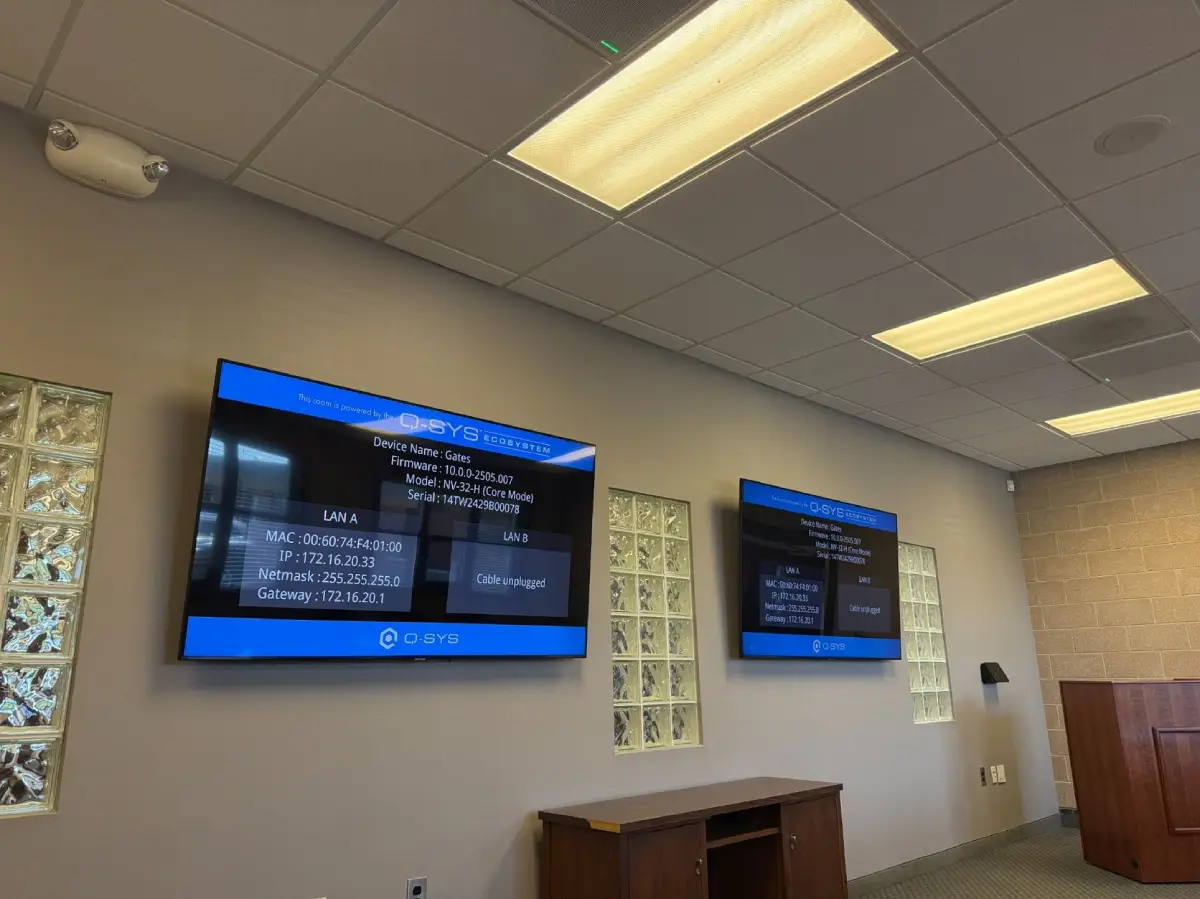
The other answer is a platform like Q-SYS. With Q-SYS, we can customize the system around your room and your needs, and then make it simple to use. The complexity is still there, but the system handles it instead of whoever happens to be in the room that day.
Why Kits Can Cost More Later
Expansion is the piece most people don't think about until they need it. A lot of kits aren't expandable. If you outgrow one, you're often replacing it rather than adding to it.
That's why we sometimes recommend starting with the more capable platform from day one, so you can add functionality when you're ready instead of starting over. With a platform like Q-SYS, we have almost unlimited room to customize, and the system can grow with you.
The catch is that Q-SYS costs more up front than a kit. When people research conference room technology on their own, they often skip it because they don't yet know what they actually need. The kit looks like it does everything, and it's cheaper. It's only after installation, when the second screen won't cooperate, or the people at the end of the table can't be heard, that the gap shows up.
Questions Your AV Integrator Should Be Asking
If you're getting quotes for a conference room, pay attention to what the integrator asks before recommending equipment. At a minimum, you should hear these questions:
- What are your room dimensions?
- Do you want a BYOD system or a locked-down codec like Teams Rooms or Zoom Rooms?
- Is there a boardroom table that isn't going to move, or is this a flex space?
- How many displays do you want, and where?
If someone hands you a kit recommendation without asking about your room, your users, and how you meet, they're guessing. We've written more about what to look for when you're getting AV quotes if you want the full breakdown.
Getting the Room Right the First Time
Kits have their place. In an average room, with a team that's happy on one platform, they can be a great fit. But once you want dual displays, the freedom to bring your own codec, or a room that doesn't fit the kit's assumptions, you're in custom territory. It's better to know that before you buy than after.
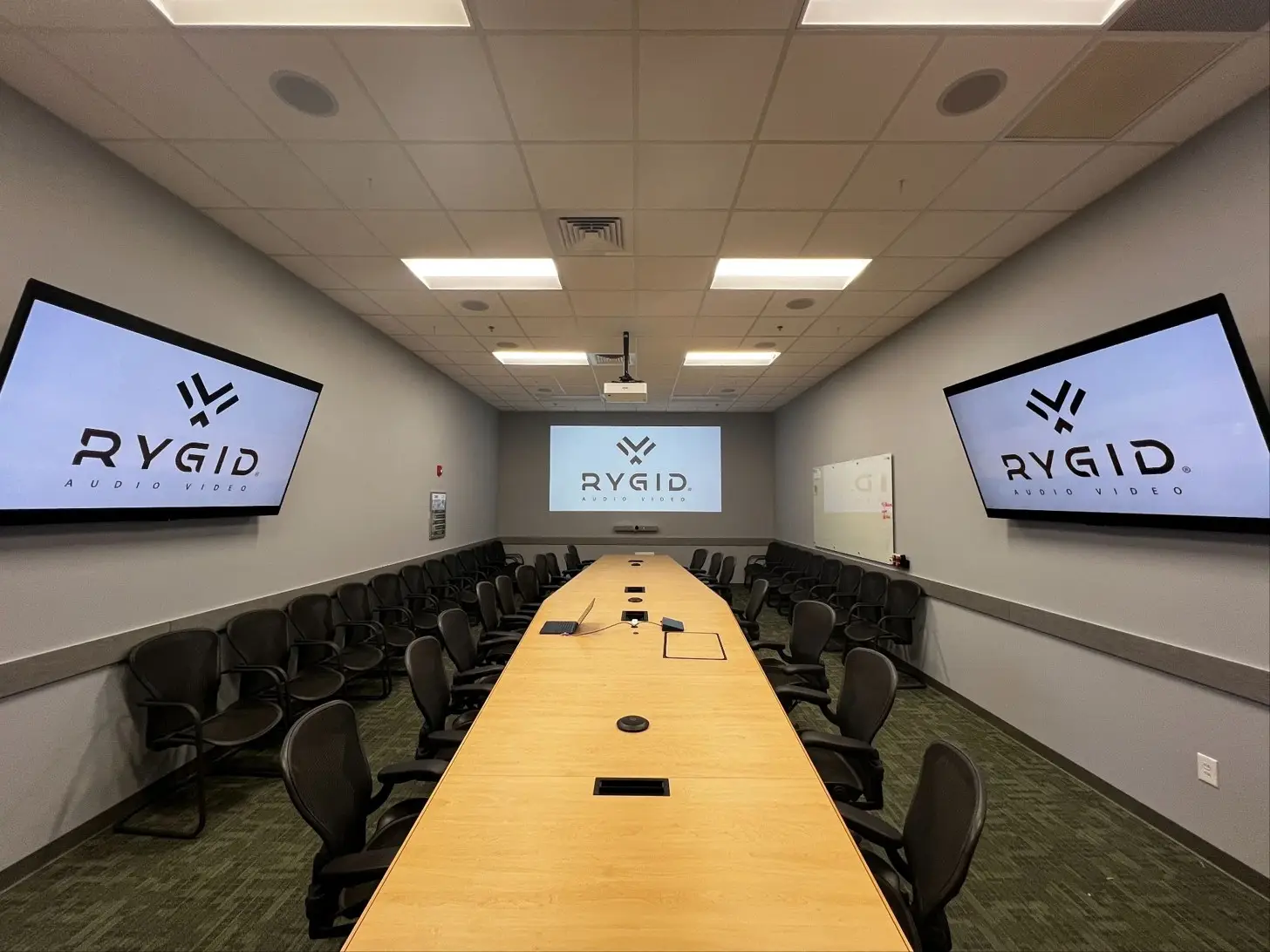
If you're planning a meeting space and aren't sure which side of that line you're on, take a look at our conference room AV solutions or reach out to RYGID AV. We'll ask the right questions up front and design a room that's simple for the people who actually use it.
RYGID AV | 122 Backstretch Ln., Mooresville, NC 28117 (980) 263-9194 | info@rygidav.com
.webp)
Recommended articles
Explore our latest news & articles below


Where to Contact + Connect with RYGID AV
Mooresville, NC 28117
Mooresville, NC 28117