

The mic cuts out midway through the service. Someone swaps batteries. It works again for a few minutes, then drops. So the channel gets changed. Then the volume dips. By the end of the morning, everyone is frustrated, and the microphone gets blamed.
Most wireless microphone failures are not random and are usually not caused by a single bad setting. Dropouts, weak range, distortion, and inconsistent performance almost always trace back to one of four things: interference, poor receiver placement, battery instability, or equipment that was never built for demanding environments in the first place. Wireless systems add more points of failure than many teams realize. Once you understand how they actually work, troubleshooting gets easier — because the problem usually is not the microphone itself. It is somewhere in the chain.
Dropouts and Interference Usually Point to RF Problems
When a wireless mic cuts in and out, most people assume the microphone itself is failing. Usually, the real problem is the signal.
Wireless microphones rely on radio frequencies, so they can encounter interference from other mics, Wi-Fi routers, Bluetooth devices, TVs, or crowded local frequency bands. In churches, schools, and event spaces, that interference can build quickly as more devices compete for the same airspace.
Common causes include:
- Multiple wireless devices competing nearby
- Limited frequency options on lower-cost systems
- Routers or electronics placed too close to receivers
- Frequency overlap from other microphones in the same space
Changing channels can help, but it does not always solve the root issue. If the system has limited flexibility, the same problem may keep returning.
Start simple. Turn off unused wireless devices. Run a frequency scan if your system supports it. Move receivers away from routers and dense electronics. If several budget wireless systems are operating close together, interference may be built into the setup itself.
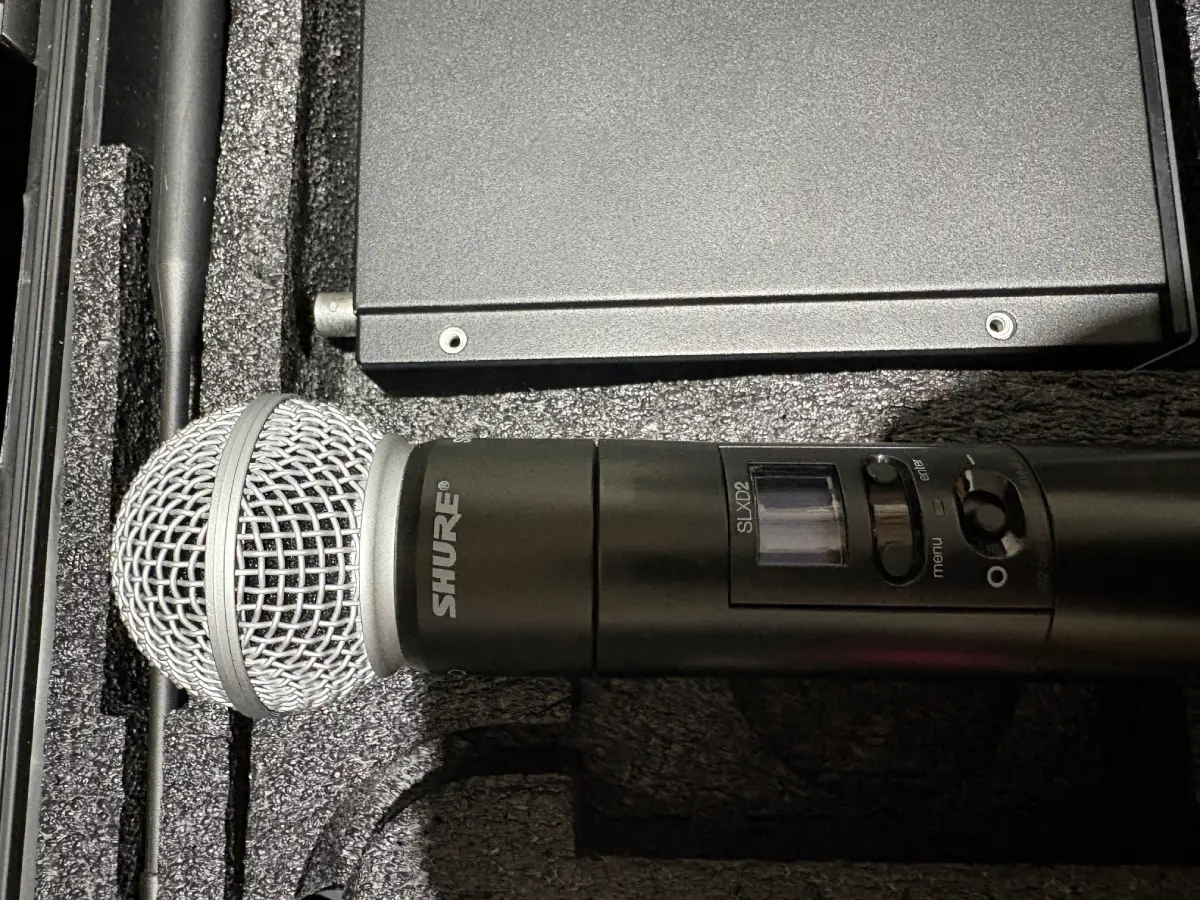
Poor Range Is Often About Placement
Many wireless systems advertise impressive range, but real-world spaces are rarely ideal. A receiver hidden backstage, enclosed in a rack, or blocked by walls and metal can struggle long before the microphone reaches its actual limit. Large sanctuaries, conference rooms, and auditoriums often create dead zones where signal strength drops unexpectedly.
Before blaming the microphone:
- Move the receiver higher and into open line of sight
- Keep antennas visible and unobstructed
- Avoid metal enclosures around receivers
- Test from actual speaking positions, not just from the tech booth
Wireless reliability often depends more on receiver placement and room layout than people expect. If the mic only works well when someone stays close to the receiver, that usually points to a placement problem, not a microphone problem.
Bad Audio Quality Is Sometimes a Setup Issue
Not every wireless problem is interference. Sometimes the signal is stable but the sound is distorted, weak, or harsh.
A few common causes:
- Gain set too high, causing distortion
- Gain set too low, creating hiss when the signal gets boosted downstream
- Poor lavalier placement on the body
- Receiver and mixer output mismatches
Check the full signal chain before reaching for new equipment. Proper gain staging fixes a lot of issues that get blamed on hardware.
That said, some microphones have real quality ceilings. If the sound stays thin or brittle after setup is dialed in, the components themselves may be the limiting factor.
Battery Problems Cause More Than Shutdowns
A weak battery does not always kill the mic. More often, it first creates inconsistent range, distortion, or random dropouts that are hard to diagnose.
Watch for:
- Half-used batteries mixed with fresh ones
- Rechargeables with degraded or unstable voltage
- Loose battery contacts
- Worn battery compartments
Better battery habits solve a lot of recurring frustration:
- Use fresh batteries before major events
- Stick to one battery type across your systems
- Check contacts regularly for corrosion or wear
- Make battery checks part of your weekly pre-service routine — it belongs on your AV maintenance checklist
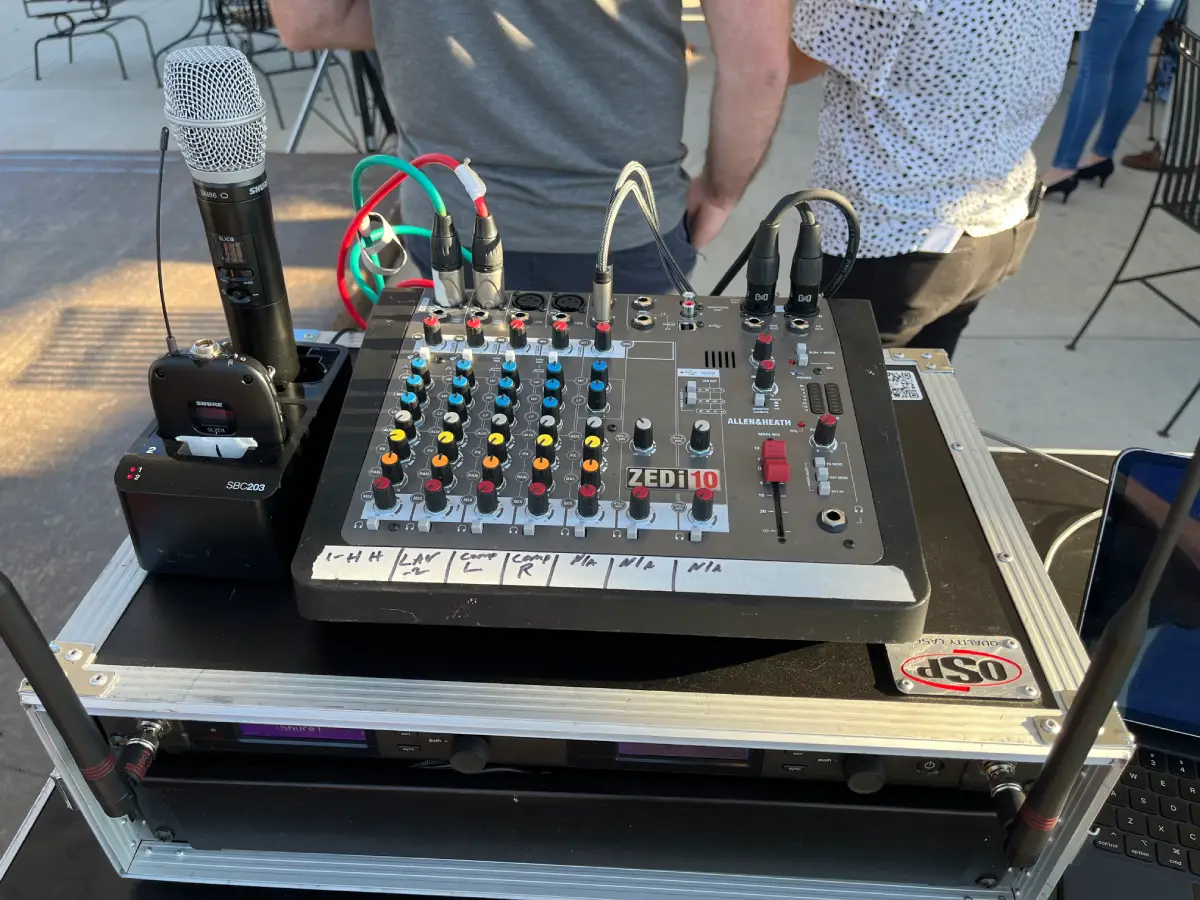
More Wireless Systems Mean More Coordination
One wireless mic is straightforward. A full setup with multiple handhelds, lavaliers, in-ear monitors, and a livestream feed is something else entirely.
As systems grow, frequency conflicts grow with them. What worked cleanly with two microphones may start causing problems when a third or fourth is added. Randomly scanning for open frequencies and reassigning channels can create new conflicts if the full picture is not considered.
If your wireless setup keeps expanding, document frequency assignments, label equipment, and think about the whole system rather than troubleshooting one mic at a time. At a certain scale, professional frequency coordination makes more sense than reacting to problems after they surface.
Consumer Systems Sometimes Reach Their Limit
Most of the wireless mic frustration we hear about eventually traces back to this.
Consumer-grade wireless systems can handle casual or occasional use. But a church running multiple services a week plus Wednesday programming and seasonal events is not casual use. Neither is a conference room with back-to-back video calls five days a week. These environments put real demands on RF consistency, receiver sensitivity, and component durability — and budget systems were not designed for those demands.
Think of it this way: a consumer wireless mic is built for the user who needs it occasionally in a controlled setting. Commercial-grade systems are engineered for environments where failure is not an option.
That means consumer systems often have fewer clean frequencies to work with, shorter reliable range, weaker receivers, and lower-quality mic capsules. This is why the same problems return even after repeated troubleshooting. At some point, replacing inexpensive gear over and over costs more in time, frustration, and actual dollars than choosing the right equipment from the start. The difference between home and commercial AV equipment goes deeper than price — it comes down to what each system was built to handle.
What to Check Before Replacing Anything
Before assuming the system is done, work through the basics:
- Are batteries fresh?
- Is receiver placement strong with clear line of sight?
- Are antennas visible and unobstructed?
- Is there obvious interference nearby?
- Does the problem happen everywhere or only in specific zones?
- Is gain staging clean through the full signal chain?
These questions often reveal whether the issue is setup, environment, or hardware.
When Troubleshooting Is No Longer Enough
If wireless microphones keep failing after the basics are covered, the problem is likely bigger than settings or batteries. RF congestion, room layout, system design, or equipment that was not matched to the space may all be contributing.
That is where professional support makes sense. RYGID AV helps churches, businesses, and event spaces identify what is actually driving wireless microphone failures — whether the fix is better receiver placement, frequency coordination, system redesign, or equipment that fits how the space is really used.
If you are working through this list and not getting anywhere, reach out to our team. Sometimes the answer is simple. Sometimes the system needs a better plan — and it helps to have someone who has seen the problem before.
RYGID AV | Mooresville, NC | (980) 263-9194 | info@rygidav.com
.webp)
Recommended articles
Explore our latest news & articles below


Where to Contact + Connect with RYGID AV
Mooresville, NC 28117